A partner needs to send you a daily file. Your data pipeline reads from Amazon S3. So you ask the obvious question: do you give them S3 access, or do you stand up an SFTP server?
This comes up constantly, and the framing is usually wrong. SFTP and S3 are not really competitors. One is a transfer protocol, the other is a storage service. Comparing them directly is like comparing "a phone call" to "a voicemail box." They overlap, but they answer different questions. This post sorts out which one you actually need, and shows how to stop choosing and use both.
What each one actually is
SFTP (SSH File Transfer Protocol) is a way to move files over an encrypted SSH connection. It is a protocol, not a product. It gives you a familiar filesystem model: directories, files, permissions, and clients that nearly every operating system and B2B partner already supports. If you need the fundamentals, see What Is SFTP?.
Amazon S3 (Simple Storage Service) is cloud object storage. It is a product with an HTTP API. You do not get a real filesystem. You get buckets and objects addressed by keys, accessed with AWS credentials and SDKs, signed URLs, or the AWS CLI. The "folders" you see in the console are a convenience over a flat key namespace.
So the honest comparison is not "which is better." It is "my counterpart speaks one of these, and I speak the other, so how do I bridge the gap?"
The core differences
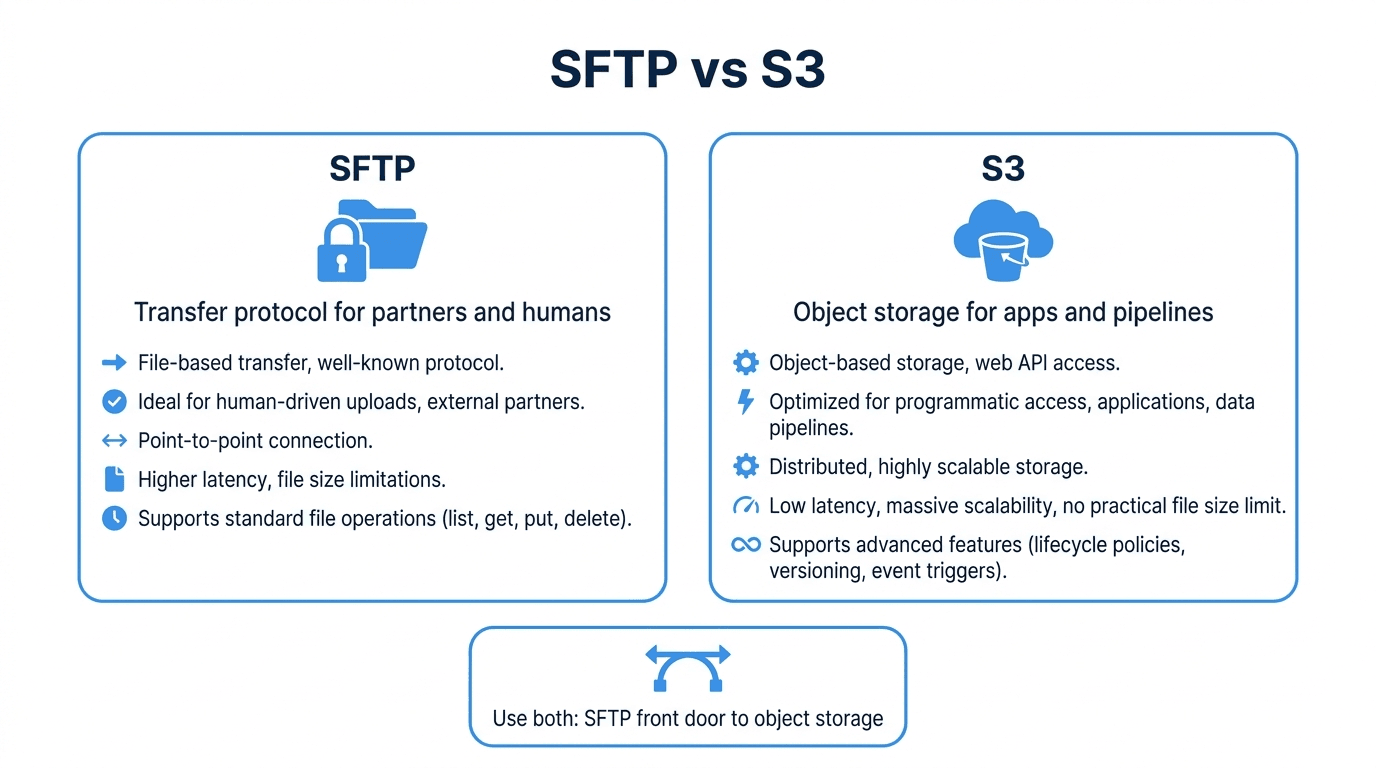
| Dimension | SFTP | Amazon S3 | | --- | --- | --- | | Type | Transfer protocol | Storage service with HTTP API | | Access model | Username plus password or SSH key | AWS IAM credentials, signed URLs | | Interface | Filesystem (directories, files) | Object keys in a flat namespace | | Client support | Universal (every OS, every MFT tool) | AWS SDKs, CLI, S3-compatible tools | | Best for | Partner and human file exchange | Application and pipeline storage | | Encryption in transit | Always (SSH) | HTTPS | | Partner onboarding | Send host, user, key | Issue and manage AWS credentials |
The key insight: S3 is where machines and pipelines want to read and write. SFTP is how external partners and humans want to send and receive. Trouble starts when you force one audience to use the other's native tool.
When SFTP is the right answer
Choose SFTP when the other side is a person or an organization you do not control:
- B2B partner exchange. Vendors, banks, payroll providers, EDI partners, and healthcare systems overwhelmingly speak SFTP. Asking them to integrate the AWS SDK is a non-starter. See Securing B2B File Exchange.
- Legacy and packaged software. ERPs, accounting systems, and on-prem applications often have a built-in "export to SFTP" option and nothing for S3.
- Human-driven uploads. A finance analyst dragging a file into an SFTP folder needs no credentials beyond a username and key.
- Standardized, auditable access. SFTP access is easy to reason about: one user, one home directory, scoped permissions. Read SFTP Authentication Methods Explained.
When S3 is the right answer
Choose S3 (or any object storage) when the consumer is your own infrastructure:
- Data pipelines and analytics. Spark, Snowflake, Athena, and most ETL and ELT tools read directly from S3. See The Role of SFTP and MFT in ELT Pipelines.
- Application storage. Serving assets, storing backups, or holding user uploads at scale is exactly what object storage is built for.
- Massive scale and durability. S3 handles effectively unlimited capacity with strong durability guarantees, with lifecycle rules and tiering you do not get from a plain filesystem.
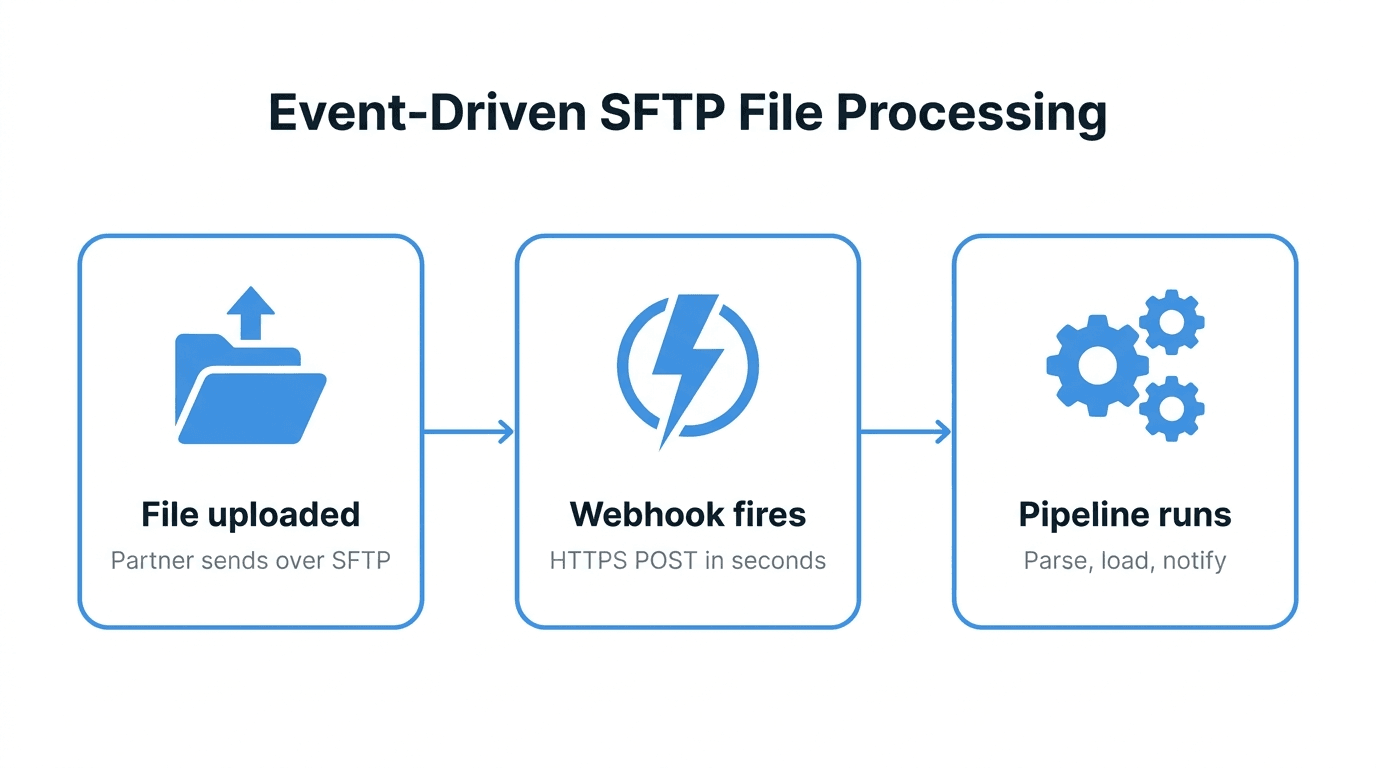
- Event-driven workflows. An object landing in a bucket can trigger a function automatically, which is harder to wire up against a raw SFTP server.
The friction of bolting them together yourself
Most teams eventually need both audiences served, so they try to bridge it manually. The common approaches all have downsides:
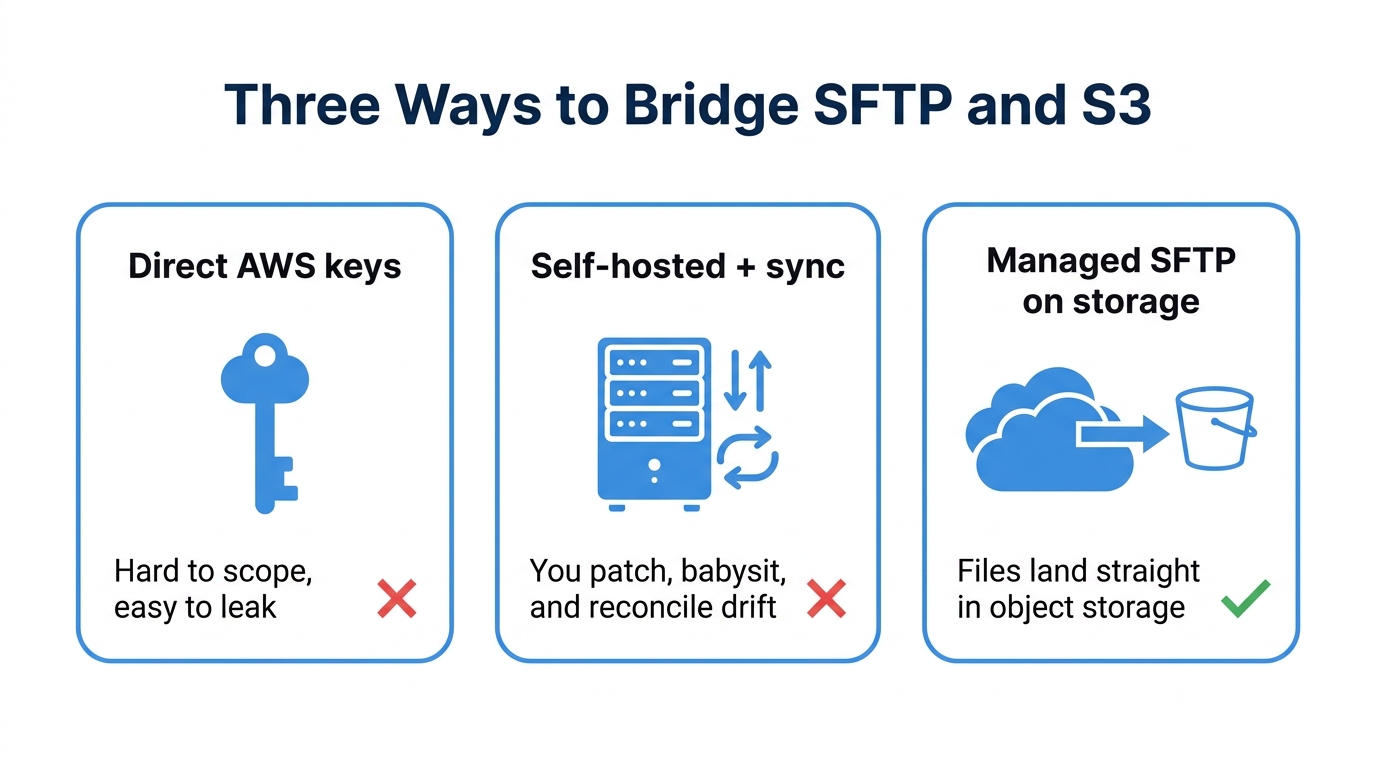
- Give partners AWS credentials directly. Now you are managing IAM users for external parties, explaining signed URLs to non-technical vendors, and hoping nobody leaks a key. Most partners simply cannot use this.
- Run your own SFTP server on a VM, then sync to S3. You own patching, key management, uptime, and a sync job that drifts. Files live in two places and you reconcile them.
- Schedule a cron job to copy between the two. This adds latency, a failure point, and double storage. See Automating File Transfers with Cron for why this gets brittle.
Each of these treats SFTP and S3 as separate worlds you manually stitch together. There is a cleaner model.
The better model: SFTP as a front door to object storage
The reason "SFTP vs S3" is a false choice is that you can put an SFTP interface directly in front of object storage. Partners connect over plain SFTP. The bytes land directly in a storage bucket. Your pipelines read from that bucket natively. No sync job, no double storage, no AWS credentials handed to outsiders.
This is exactly how FilePulse works. It is a managed SFTP service backed by cloud object storage:
- Partners get a normal SFTP endpoint. Host, username, and SSH key. Nothing AWS-specific to learn.
- Files write straight to object storage. No intermediate disk, no copy step, no drift. What a partner uploads is immediately the object your pipeline reads.
- Access is scoped per user. Each partner sees only their own directory, with IP allowlists and full audit logging. See IP Allowlists for SFTP Security and Audit Logging for File Transfers.
- No server to run. No OpenSSH box to patch, no uptime to babysit.
You get the partner-friendly protocol and the pipeline-friendly storage at the same time, which is what you actually wanted when you started asking "SFTP or S3."
Common pitfalls
- Treating S3 "folders" as real directories. They are key prefixes. Some tools and partners expect true directory semantics that flat object storage does not natively provide.
- Handing AWS keys to external partners. It is hard to scope safely and easy to leak. Partners rarely have the tooling to use them anyway.
- Building a sync job and forgetting it. Cron-based copying between an SFTP box and a bucket is the classic source of "the file is there but the pipeline didn't see it" incidents.
- Assuming S3 encrypts in transit by default. It does over HTTPS, but misconfigured clients can fall back. SFTP encrypts the channel by design.
How FilePulse fits
If your answer to "SFTP or S3" is "honestly, both," that is the FilePulse use case. Partners and legacy systems upload over standard SFTP, the data lands directly in cloud object storage, and your downstream pipelines read it without an extra hop. You skip running a server and skip the sync job entirely.
Next step: point a partner at an SFTP endpoint and read the files straight from object storage. Create a free FilePulse account.