Whether you are a small two-person business or a large enterprise, the need to transfer files fast and reliably is constant. Transfers to internal stakeholders, colleagues, clients, and partners. This is where SFTP comes in, allowing secure transfers by leveraging SSH for encrypted connections.
What is SFTP?
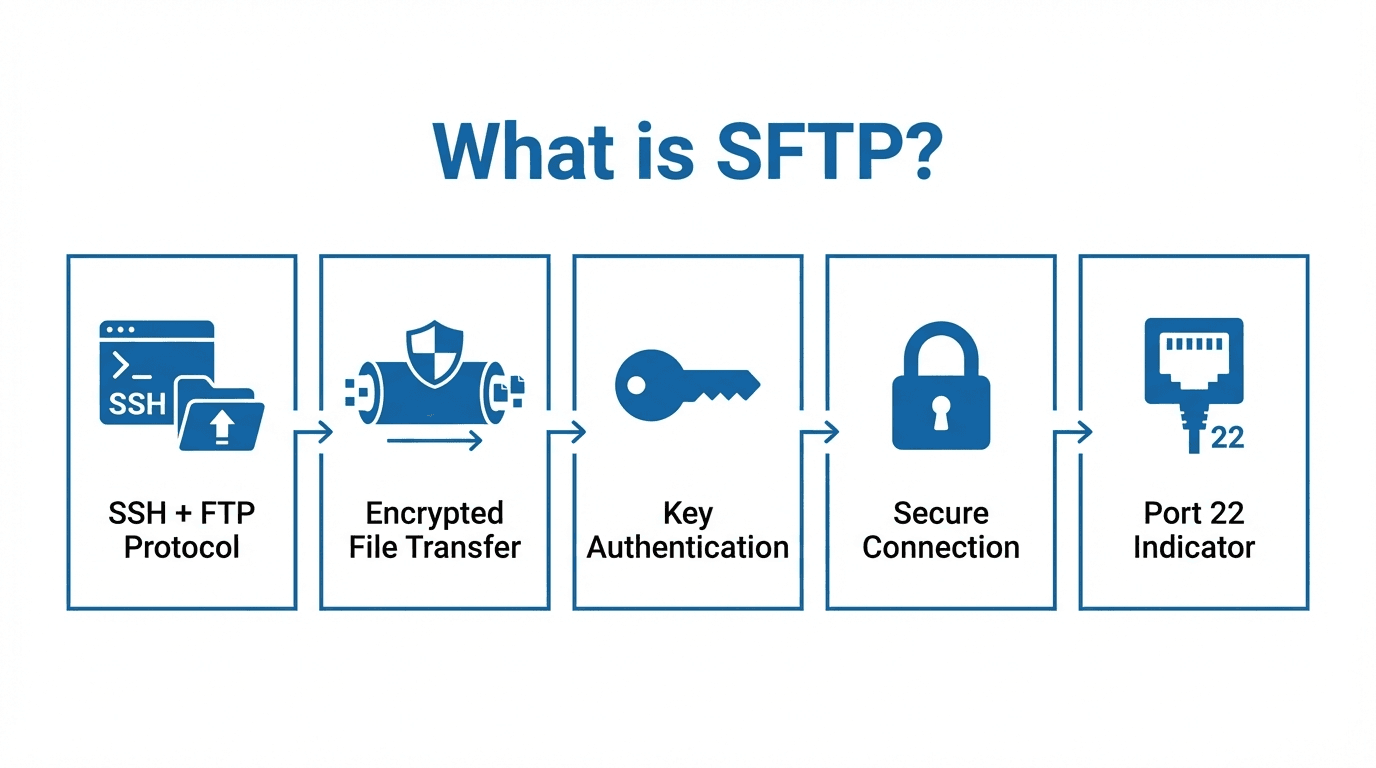
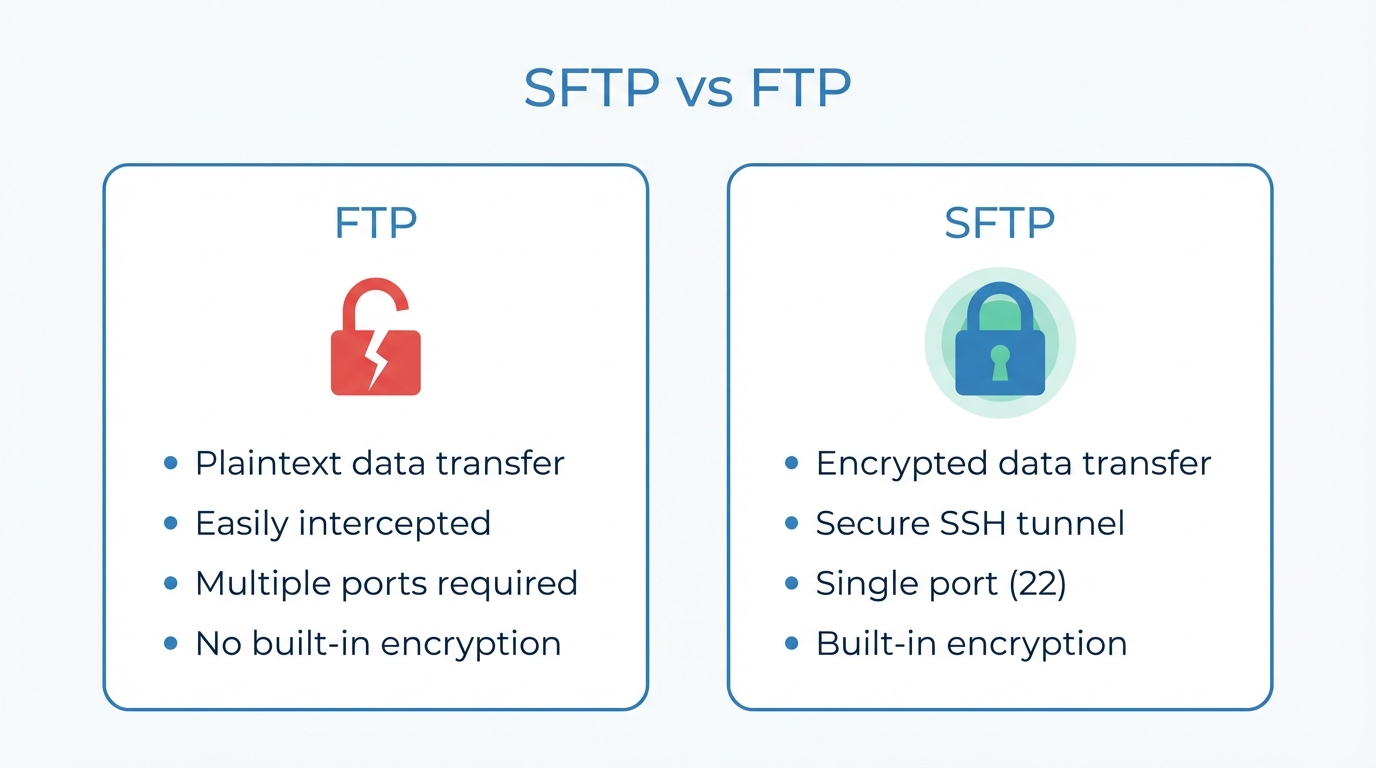
As the name suggests, SFTP is an extension of the SSH (Secure Shell) protocol, which is widely used for secure system administration and communication. Unlike its predecessor FTP, which sends data in plain text, SFTP encrypts all data during transfer, making it significantly more secure against unauthorized access.
At its core, SFTP is designed to offer a seamless and safe way to exchange files between systems, both for automated processes and manual transfers through SFTP client programs. Unlike FTP, SFTP operates on a single port (commonly port 22).
The primary difference between SFTP and FTP lies in the security layer. While FTP lacks encryption and requires additional protocols like SSL/TLS to secure connections (see FTPS), SFTP integrates security directly through SSH. This makes SFTP a preferred choice for businesses and organizations dealing with sensitive data such as financial records, medical information, or intellectual property.
How does SFTP work?
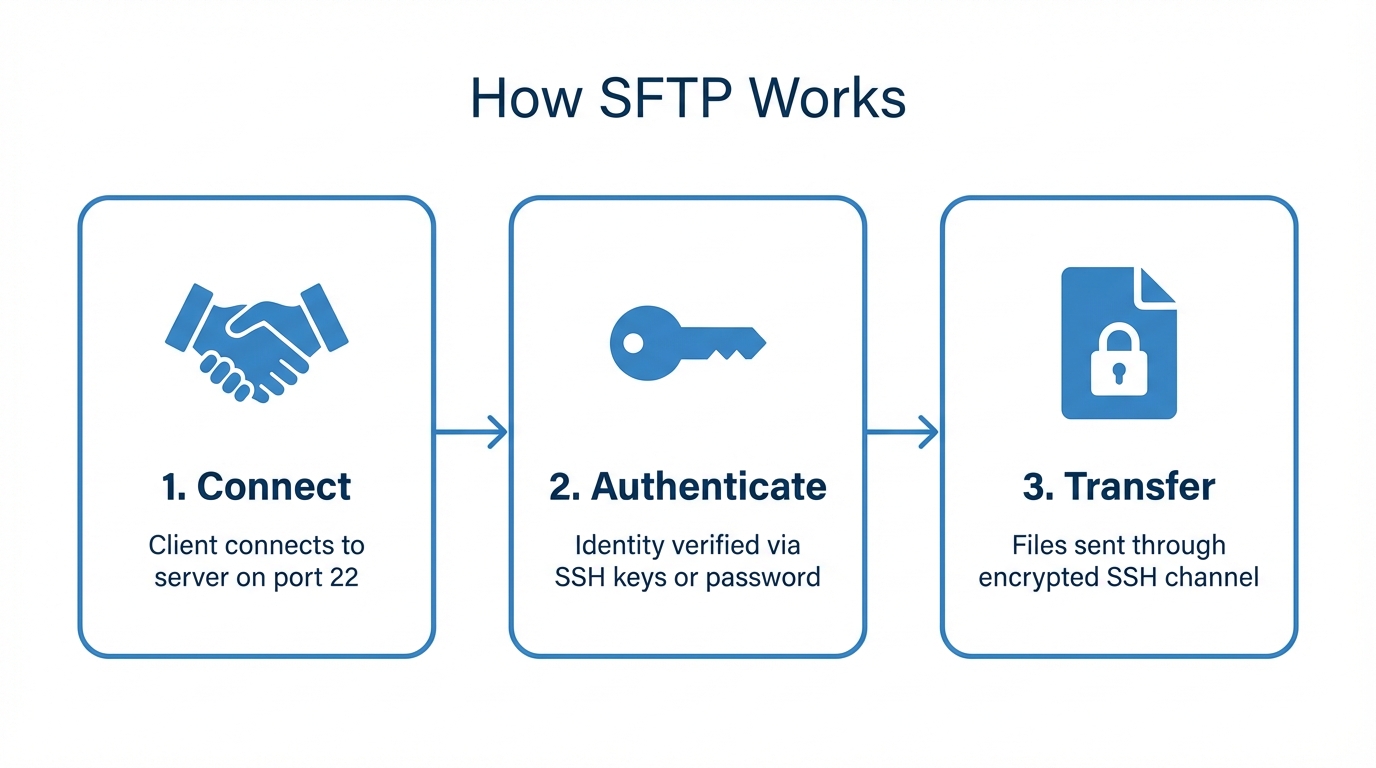
When initiating an SFTP session, the client application connects to the server using SSH. This involves:
- Authentication: The server verifies the client's identity through one of the available authentication methods (for example, username and password or SSH key authentication).
- Encryption: Once authenticated, a secure encrypted channel is established using cryptographic algorithms, ensuring that any data exchanged remains confidential.
After the connection is secured, the user is able to perform their desired file operations such as uploading files, downloading files, viewing directories, and more.
Key features of SFTP
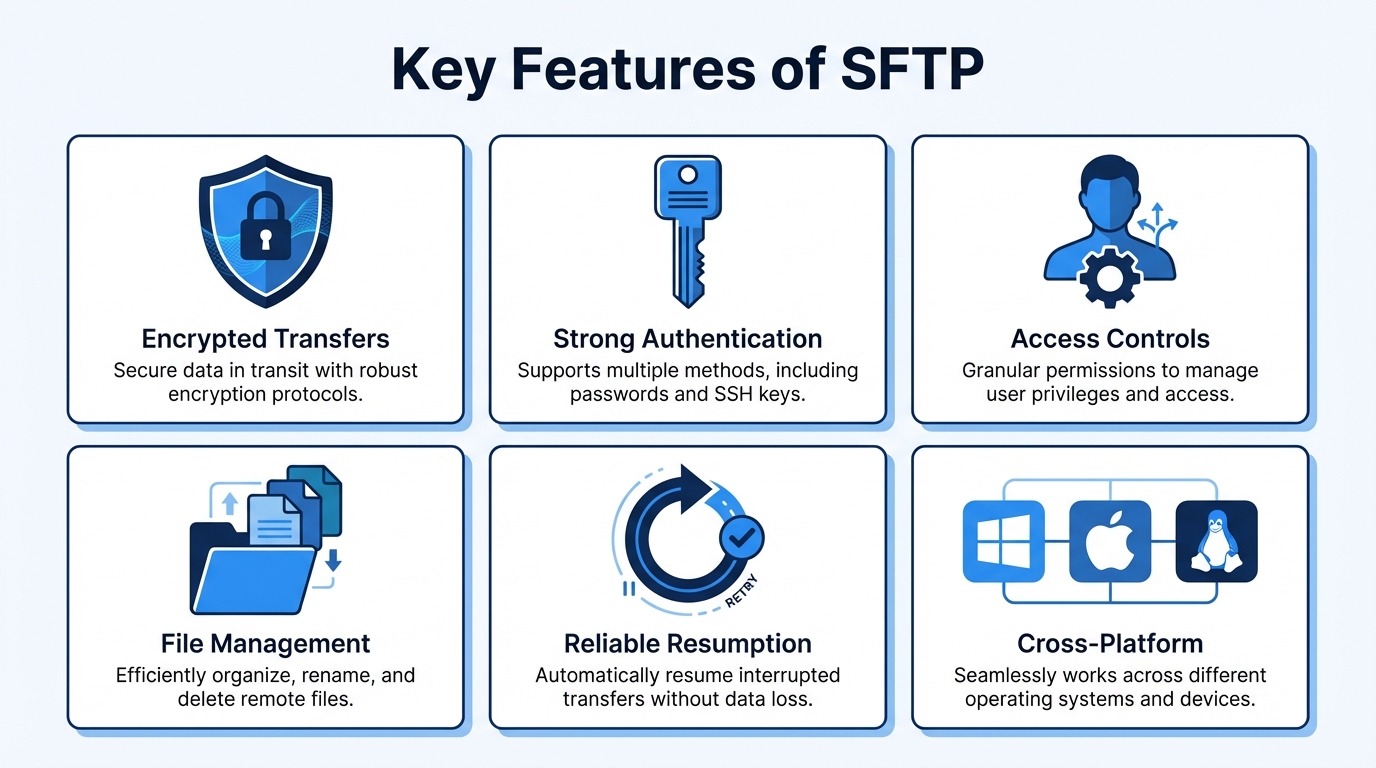
- Secure data transfer - SFTP encrypts all data transmitted between the client and server, ensuring that sensitive files cannot be intercepted or tampered with during transfer. This is critical for maintaining data confidentiality and integrity.
- Strong authentication options - SFTP supports multiple authentication methods to verify user identity securely: username and password for standard authentication, and SSH key authentication for a more secure option using public and private key pairs.
- Granular access controls - SFTP provides fine-grained permission settings, enabling administrators to define user-specific access levels. For example, some users can be restricted to read-only access while others may have permission to write, modify, or delete files.
- Advanced file management - SFTP goes beyond file transfer by supporting a variety of remote file management tasks such as listing directories, renaming or deleting files, and changing file permissions directly on the server.
- Reliability and resilience - SFTP is designed to handle interruptions gracefully. If a file transfer is interrupted due to network issues, it can resume from where it left off, saving time and preventing data loss.
- Cross-platform compatibility - SFTP works seamlessly across various operating systems including Windows, macOS, and Linux, making it a universal solution for diverse IT environments.
Why use SFTP?
SFTP offers robust security features that make it ideal for handling sensitive data. By encrypting all data in transit and supporting strong authentication methods including SSH keys and passwords, SFTP ensures that unauthorized access is nearly impossible.
One of its key advantages is granular access control, allowing administrators to define specific permissions for users such as read, write, or execute. Its reliability shines in unstable network conditions, as SFTP can resume interrupted transfers without compromising data integrity.
Operating on a single port (usually port 22), it simplifies network configurations and minimizes security vulnerabilities. Additionally, SFTP provides advanced file management capabilities such as modifying permissions and managing directories directly on the server.
Common use cases
- Secure business data exchange - Businesses frequently use SFTP to exchange sensitive files such as contracts, financial records, or client data with partners or vendors. Its encryption and authentication capabilities ensure that confidential information remains protected during transit.
- Data backup and archiving - Organizations rely on SFTP to create secure backups of critical files and store them on remote servers or in cloud environments. The ability to automate scheduled backups through SFTP makes it a reliable tool for disaster recovery plans.
- Financial transactions - Banks, financial institutions, and payment processors use SFTP to transfer sensitive information like account statements, transaction reports, and payroll files. SFTP's compliance with strict security standards like PCI DSS makes it ideal for handling financial data.
- Media and content distribution - Media companies and content creators use SFTP to share large files such as videos, audio, and graphics with collaborators or clients. Its reliability in handling large file transfers ensures efficient delivery without data corruption.
- Collaboration in remote work environments - With remote work becoming increasingly common, teams use SFTP to share and collaborate on files securely. It provides a safe alternative to email or cloud-based file sharing for organizations concerned about privacy and data control.
Getting started with SFTP
Over the years many SFTP solutions have been introduced to support various platforms and use cases. FilePulse takes it a step further by combining the advantages of cloud computing with the simplicity and compatibility of the SFTP protocol. With a fully managed SFTP service, setup is quick and effortless, and it scales to meet your growing needs while maintaining the security inherent in the SFTP ecosystem.
Ready to get started? Sign up for a free trial or contact us to learn more.