Most SFTP integrations detect new files the same way: a scheduled job connects every few minutes, lists a directory, and compares the result against what it has already processed. Polling works, but it has a built-in tradeoff between latency and load, and it introduces a class of race conditions that only show up in production.
Event-driven processing inverts the model. Instead of asking the server "is there anything new?" on a schedule, the server tells you the moment an upload completes, typically via an HTTPS webhook. This tutorial covers why polling breaks down, how webhook-driven processing works, and the patterns (idempotency, signature verification, retry handling) needed to run it reliably.
The limits of polling
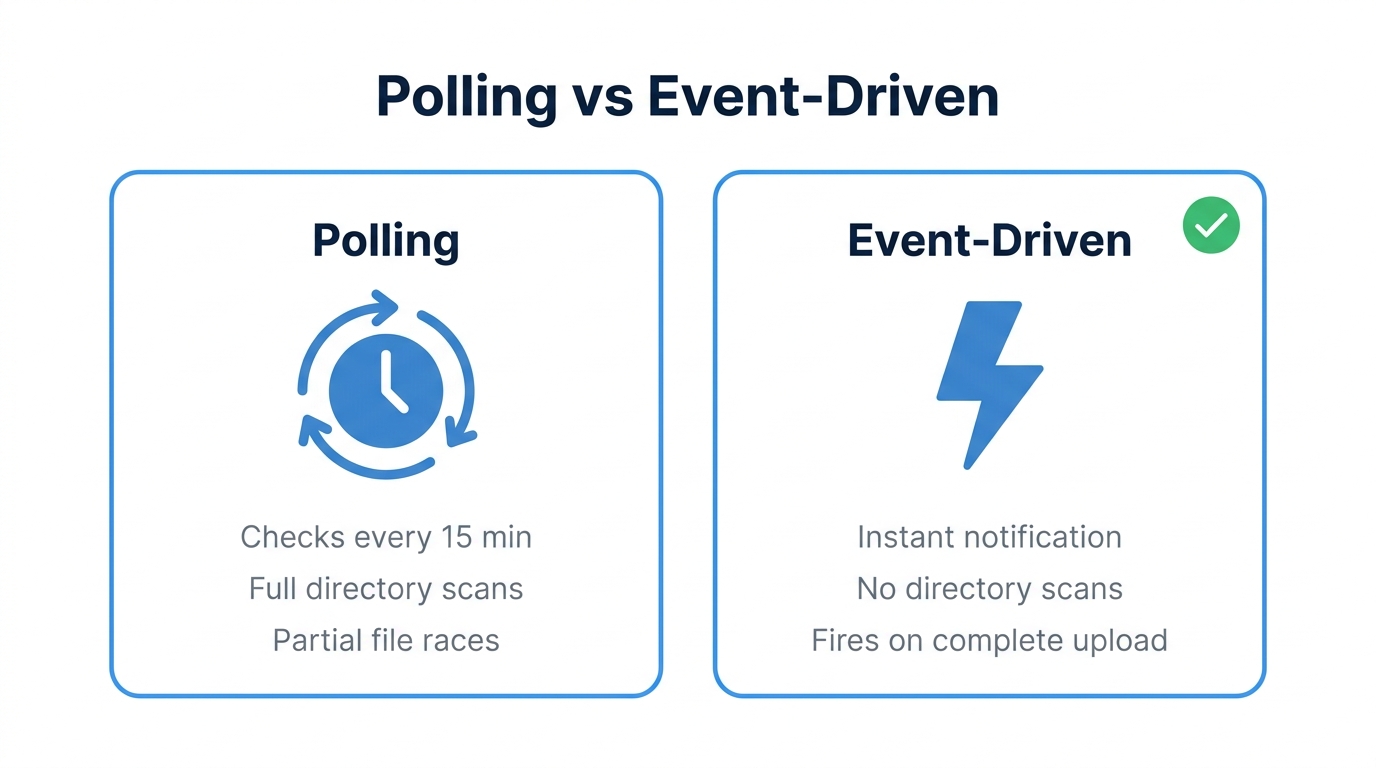
A polling loop has three structural problems, independent of how well it is implemented:
- Latency is bounded by the poll interval - With a 15-minute cron schedule, a file uploaded one second after a poll waits almost 15 minutes. Halving the latency means doubling the polling load, on both your infrastructure and the server.
- Directory listings do not scale - Listing a directory with tens of thousands of files on every poll is slow and wasteful, and most of the time the answer is "nothing new". State tracking (which files were already processed) also has to live somewhere and survive restarts.
- Partial uploads cause race conditions - A poll can observe a file that is still being written. Process it immediately and you ingest a truncated file. Workarounds exist (compare sizes across two polls, require upload-then-rename conventions, wait for a
.donemarker file), but they all add latency and depend on the uploader cooperating.
Polling is still a reasonable choice for low-volume workflows where a delay of minutes does not matter. The cron-based automation guide covers that approach. For anything latency-sensitive or high-volume, events are the better foundation.
How event-driven file processing works
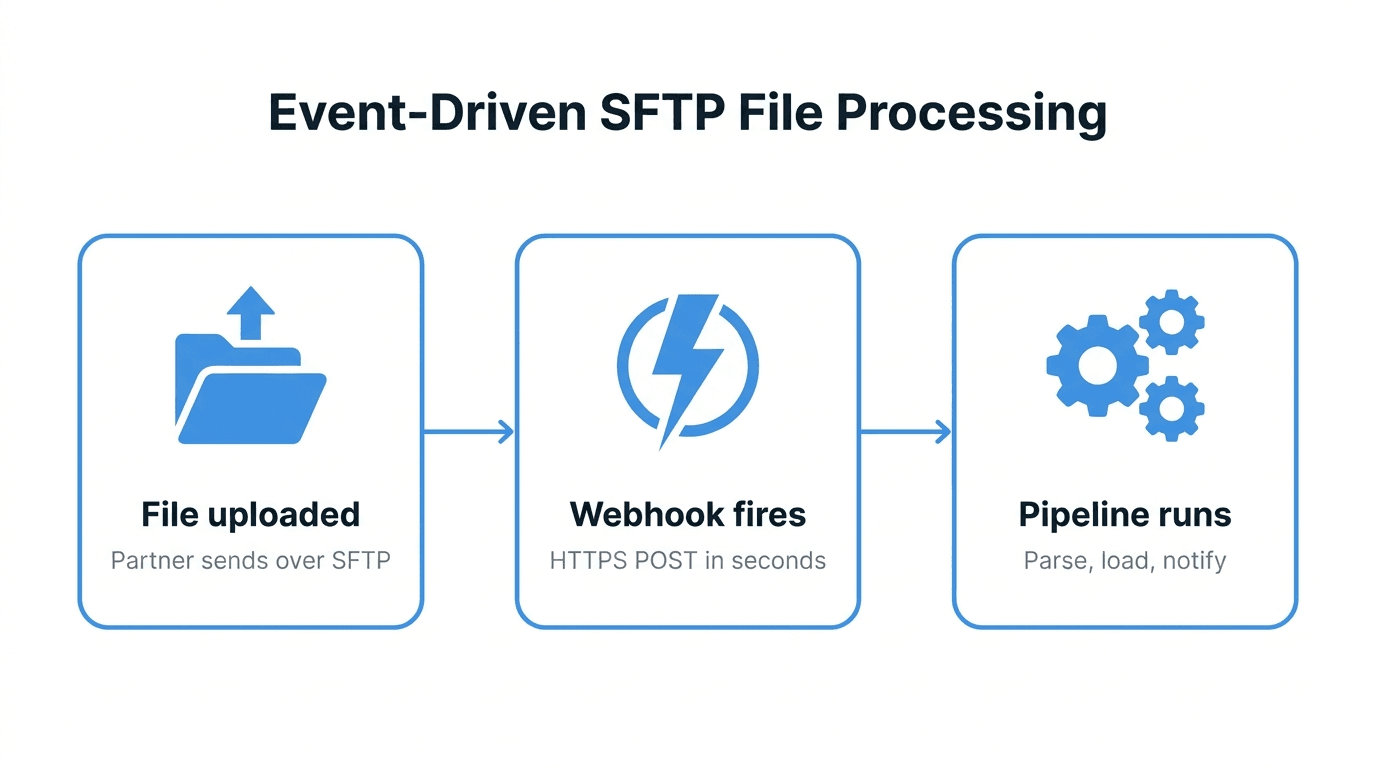
The flow has three parts:
- A partner or system uploads a file over SFTP. Nothing changes on the uploader's side; they use the same client and credentials as before.
- The server fires a webhook when the upload completes. The platform sends an HTTPS POST to an endpoint you control, containing the event type (upload, download, deletion), the file path, and metadata such as size and the user who performed the action.
- Your endpoint triggers the pipeline. The receiver validates the request, records the event, and starts processing: parsing the file, loading it into a warehouse, forwarding it to another system, or notifying a team.
The critical difference from polling: the event fires when the upload is complete, so the partial-file race condition disappears, and latency drops from minutes to seconds.
A minimal webhook receiver
The receiver is a small HTTP endpoint. This example uses Python and Flask, verifies the webhook signature, and hands the event to a processing function:
import hashlib
import hmac
import os

from flask import Flask, request, abort

app = Flask(__name__)
WEBHOOK_SECRET = os.environ["WEBHOOK_SECRET"].encode()

def verify_signature(payload: bytes, signature: str) -> bool:
    expected = hmac.new(WEBHOOK_SECRET, payload, hashlib.sha256).hexdigest()
    return hmac.compare_digest(expected, signature)

@app.route("/webhooks/sftp", methods=["POST"])
def handle_sftp_event():
    signature = request.headers.get("X-Signature", "")
    if not verify_signature(request.get_data(), signature):
        abort(401)

    event = request.get_json()
    if event["type"] == "file.uploaded":
        enqueue_processing(event["id"], event["path"])

    return {"status": "accepted"}, 200

def enqueue_processing(event_id: str, path: str) -> None:
    # Push to a queue (SQS, Pub/Sub, Celery) rather than
    # processing inline, so the webhook response stays fast.
    ...
Two design choices in this snippet matter more than the framework:
- Verify before trusting - The HMAC check ensures the request actually came from your file transfer platform and not from anyone who discovered the URL. Check your provider's documentation for the exact header name and signing scheme.
- Acknowledge fast, process async - Return 200 as soon as the event is safely queued. If the receiver does heavy work inline, slow processing causes webhook timeouts, which causes retries, which causes duplicate processing.
Downloading the file itself happens in the worker, using a normal SFTP or API client. The webhook tells you what changed; fetching the content is a separate step. For connecting to the server programmatically, see automating SFTP with Python.
Making it reliable
Webhooks are delivered over the network, so they can arrive late, arrive twice, or fail to arrive while your endpoint is down. Reliable pipelines plan for all three.
Idempotency
Providers retry deliveries that fail or time out, so your receiver will occasionally see the same event twice. Every webhook should carry a unique event ID. Store processed IDs and skip duplicates:
def enqueue_processing(event_id: str, path: str) -> None:
    if redis.set(f"evt:{event_id}", 1, nx=True, ex=86400) is None:
        return  # already seen this event
    queue.publish({"event_id": event_id, "path": path})
Idempotency at the receiver is the first line of defense. Making the processing step itself idempotent (upserts instead of inserts, deterministic output paths) is the second, and worth the effort.
Handling downtime
If your endpoint is unreachable, most platforms retry with backoff for a limited window and then give up. Two mitigations:
- Alert on delivery failures - Treat repeated webhook failures as an incident, not background noise. Monitoring guidance in file transfer monitoring best practices applies directly here.
- Run a reconciliation sweep - A daily or hourly job that lists recent files and checks them against processed events catches anything that slipped through. This is polling demoted from the primary mechanism to a safety net, which is exactly where it belongs.
Ordering
Webhooks are not guaranteed to arrive in the order events occurred. If a workflow depends on sequence (a data file and its manifest, for example), key the processing on the file contents or manifest rather than on arrival order.
When polling is still fine
Event-driven is not automatically the right answer:
- A few files per day with no latency requirement - A nightly cron job is simpler and has fewer moving parts.
- No infrastructure for an HTTPS endpoint - A webhook receiver must be reachable, monitored, and secured. If the team cannot operate that, scheduled polling is more dependable.
- The server offers no event mechanism - Self-hosted OpenSSH has no native webhook support. Bolting on filesystem watchers works but is fragile; polling is often the pragmatic choice there.
Common pitfalls
- Processing on "file created" instead of "upload complete" - If your platform emits both, use the completion event. Creation events reintroduce the partial-file race.
- Non-idempotent handlers - Duplicated deliveries are normal behavior, not an edge case. Deduplicate by event ID from day one.
- Doing heavy work inside the webhook handler - Timeouts trigger retries and duplicates. Queue first, process after.
- No signature verification - An unauthenticated endpoint that triggers pipelines is an open invitation to inject data.
- No reconciliation path - Without a periodic sweep, a missed webhook means a silently missing file.
How FilePulse fits
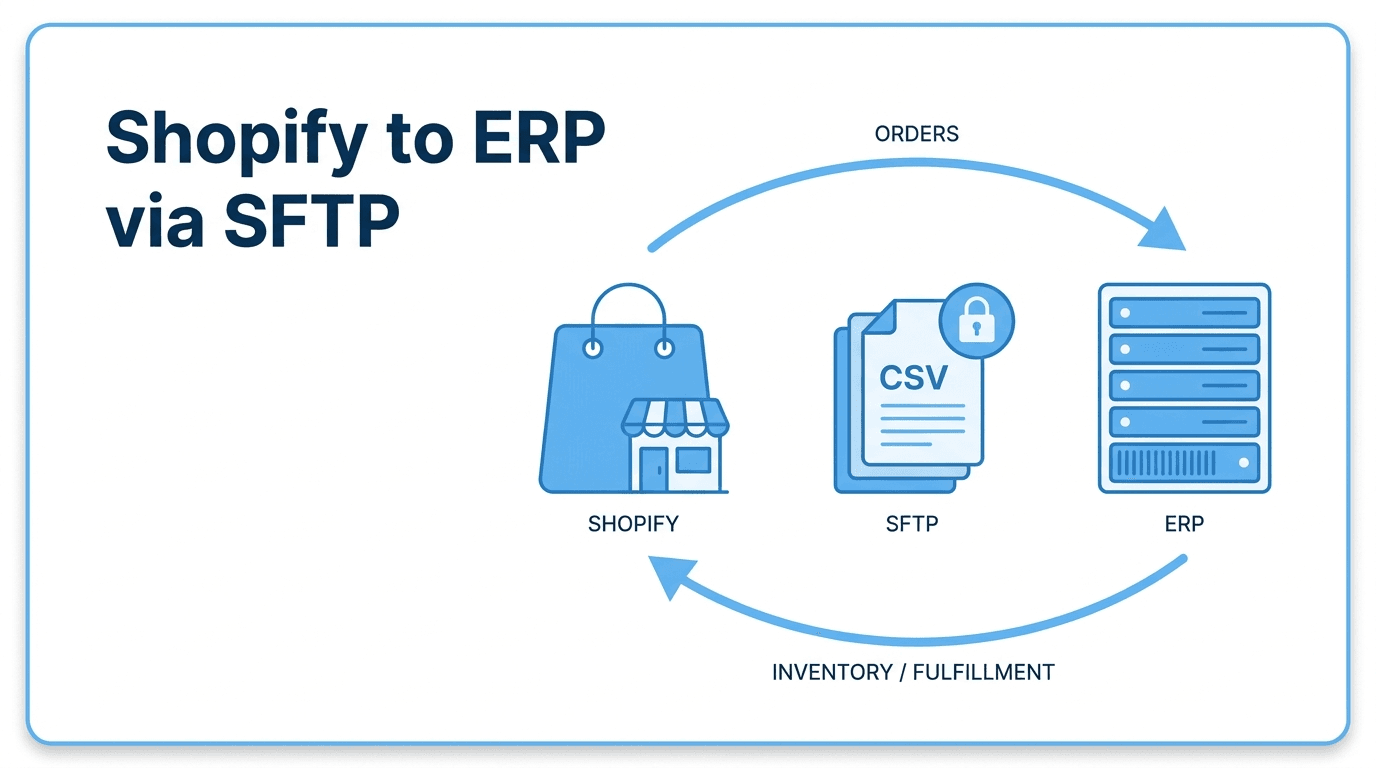
FilePulse emits webhooks for file events, including uploads, downloads, and deletions, delivered as HTTPS POSTs in near real time. There is no agent to install and no inotify script to maintain on a server you operate; you point the webhook at your endpoint and uploads start triggering your pipeline. Combined with per-user credentials and audit logging, the same events also feed compliance and monitoring workflows. Patterns like the Shopify to ERP order sync and the pipelines described in building a scalable file transfer pipeline are built on exactly this mechanism.
Next step: Create a free FilePulse account, add a webhook endpoint, and see your first upload event arrive in seconds instead of at the next poll.