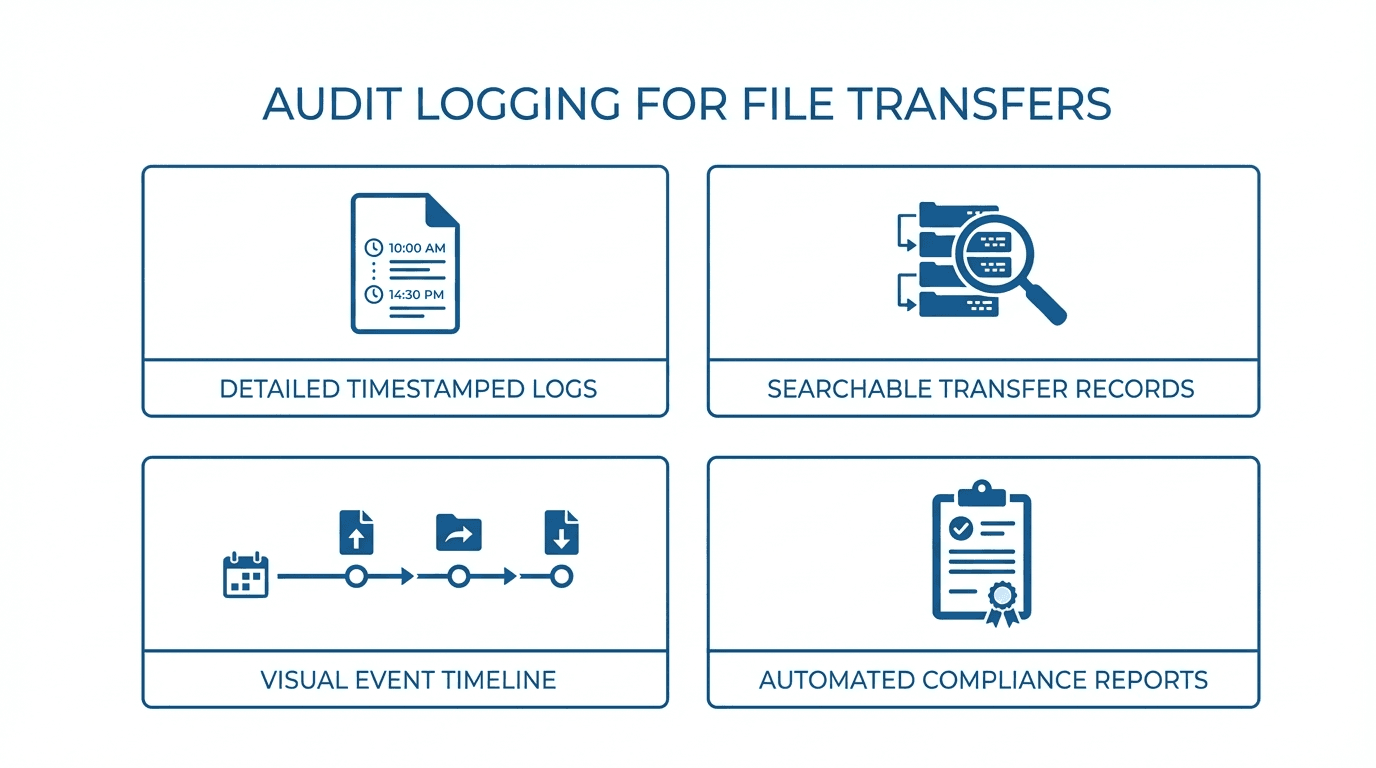
When files move between systems, organizations need a clear record of what happened, who did it, and when. Audit logging provides that record. Whether you are meeting compliance requirements or investigating a security incident, comprehensive audit logs are essential for any file transfer operation.
Why Audit Logging Matters
Audit logs serve several critical purposes:
- Compliance: Regulatory frameworks like SOC 2, HIPAA, and PCI DSS require organizations to maintain detailed records of access to sensitive data.
- Security monitoring: Logs help detect unauthorized access attempts, unusual transfer patterns, or compromised credentials.
- Incident response: When something goes wrong, logs provide the forensic trail needed to understand what happened and how to prevent it from recurring.
- Accountability: Logs create a clear record of who performed each action, supporting internal governance and partner accountability.
What to Log
A useful audit log captures enough detail to reconstruct any file transfer event. At a minimum, each log entry should include:
- User identity: The username or account that initiated the action.
- Timestamp: The exact date and time of the event, ideally in UTC to avoid timezone ambiguity.
- Action: The operation performed, such as login, logout, upload, download, delete, rename, or directory listing.
- File path: The full path of the file or directory involved.
- Source IP address: The network address from which the user connected.
- Result: Whether the action succeeded or failed, including any error codes or reasons for failure.
- Session identifier: A unique ID linking all events within a single connection session.
Additional context, such as the file size, transfer duration, and authentication method used, can be valuable for troubleshooting and capacity planning.
Log Retention Policies
How long you keep logs depends on your compliance requirements and business needs:
- HIPAA requires that documentation related to security policies and procedures be retained for six years.
- PCI DSS requires at least one year of audit log retention, with the most recent three months immediately available for analysis.
- SOC 2 does not specify an exact retention period but expects organizations to retain logs long enough to support their monitoring and response processes.
In practice, many organizations retain file transfer audit logs for one to three years, with older logs moved to archival storage to reduce costs.
Using Logs for Compliance
During a compliance audit, you may need to demonstrate:
- That only authorized users accessed specific files or systems.
- That all access was logged and logs were tamper-resistant.
- That failed access attempts were recorded and reviewed.
- That log data was retained according to your stated policy.
Structured, searchable logs make it far easier to respond to auditor requests. Storing logs in a format like JSON simplifies querying and integration with other tools.
Integrating with SIEM Platforms
Security Information and Event Management (SIEM) platforms aggregate logs from across your infrastructure and apply correlation rules to detect threats. Common SIEM platforms include Splunk, Datadog, Elastic Security, and Microsoft Sentinel.
To integrate file transfer logs with a SIEM:
- Use a standard format such as JSON or syslog for log output.
- Forward logs in real time using a log shipper or API integration.
- Define alert rules for suspicious activity, such as repeated failed logins, large downloads outside business hours, or access from unexpected IP addresses.
- Correlate with other data sources to build a complete picture of activity across your environment.
How FilePulse Handles Audit Logging
FilePulse automatically records detailed audit logs for every file transfer event. Each log entry includes the user, timestamp, action, file path, source IP, and result. Logs are retained according to your configured policy and are available for search, export, and SIEM integration.
With FilePulse, you get compliance-ready audit logging out of the box, without needing to configure syslog daemons or build custom logging pipelines.
Start your free trial of FilePulse or reach out to our team to learn how audit logging works in practice.