When securing an SFTP server, encryption and strong authentication are just the starting point. One of the most effective ways to reduce your attack surface is to restrict which IP addresses are allowed to connect in the first place. This is where IP allowlists come in.
What Are IP Allowlists?
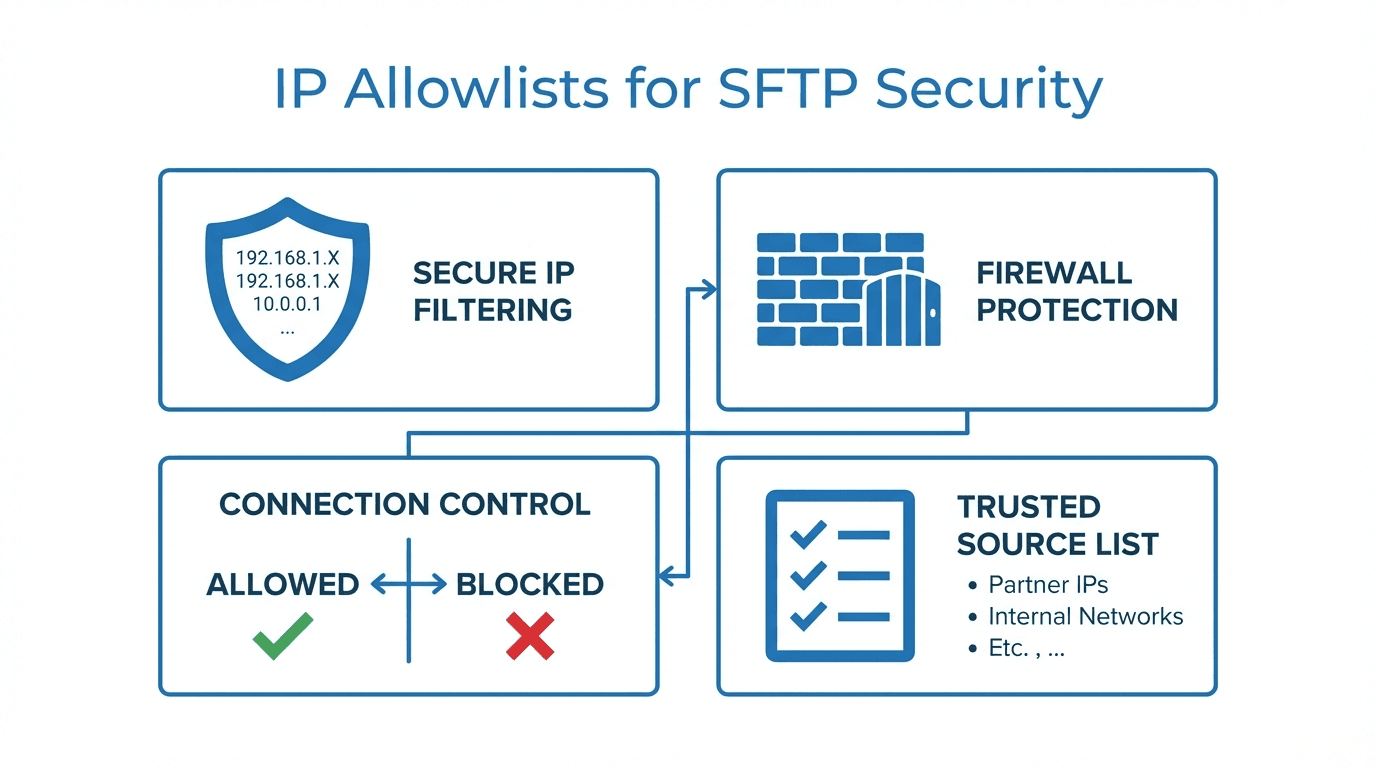
An IP allowlist (sometimes called a whitelist) is a list of approved IP addresses or ranges that are permitted to connect to your server. Any connection attempt from an IP not on the list is rejected before authentication even begins. This means that even if an attacker has valid credentials, they cannot reach your SFTP server from an unauthorized network.
How IP Allowlists Work for SFTP
SFTP runs over SSH, typically on port 22. When a client initiates a connection, the server checks the source IP against the allowlist. If the IP matches an approved entry, the connection proceeds to authentication. If not, the connection is dropped immediately.
This check happens at the network layer, before any SSH handshake or credential exchange occurs. That makes it a powerful first line of defense.
Understanding CIDR Notation
IP allowlists often use CIDR notation to specify ranges. CIDR (Classless Inter-Domain Routing) lets you define a block of addresses with a single entry. For example:
203.0.113.10/32allows a single IP address203.0.113.0/24allows all 256 addresses from 203.0.113.0 to 203.0.113.25510.0.0.0/16allows 65,536 addresses in the 10.0.x.x range
The number after the slash indicates how many bits of the address are fixed. A smaller number means a larger range.
When to Use IP Allowlists
IP allowlists are especially useful in these scenarios:
- Partner restrictions: When exchanging files with specific business partners, you can limit access to their known IP ranges. This ensures only their systems can connect.
- Regulatory requirements: Compliance frameworks like PCI DSS, HIPAA, and SOC 2 often recommend or require network-level access controls. IP allowlists help satisfy these requirements.
- Internal access control: Restricting SFTP access to your corporate network or VPN addresses prevents connections from unknown locations.
- Reducing brute-force attacks: By blocking all unauthorized IPs, you eliminate the vast majority of automated attack traffic.
Managing Allowlists at Scale
As your organization grows and you onboard more partners, managing IP allowlists can become complex. Here are some best practices:
- Document every entry with the partner name, contact, and reason for the allowlist rule.
- Review allowlists regularly to remove stale entries from former partners or decommissioned networks.
- Use per-user or per-group allowlists so that each partner's access is scoped independently.
- Automate updates where possible, using APIs or infrastructure-as-code tools to manage rules consistently.
Combining with Other Security Measures
IP allowlists work best as part of a layered security approach. Combine them with:
- SSH key authentication to eliminate password-based attacks entirely
- Audit logging to track all connection attempts, both successful and blocked
- Encryption at rest to protect files stored on the server
- Rate limiting to slow down any remaining unauthorized attempts
No single measure is sufficient on its own, but together they create a strong security posture.
How FilePulse Supports IP Allowlists
FilePulse makes it straightforward to configure IP allowlists for your managed SFTP server. You can define allowlists per user or per organization, using individual IPs or CIDR ranges. Changes take effect immediately, and all blocked connection attempts are recorded in the audit log for review.
With FilePulse, you get network-level access control without the hassle of managing firewall rules or server configurations yourself.
Ready to secure your file transfers with IP allowlists? Sign up for FilePulse or contact our team to learn more.