File transfers are often business-critical. When an invoice fails to arrive, a data feed goes silent, or a partner upload stalls, the impact can cascade through downstream systems. Effective monitoring ensures you catch problems before they affect your business.
Why Monitoring Matters
Many organizations treat file transfer as a "set it and forget it" operation. Transfers are configured once, and as long as no one complains, they are assumed to be working. This approach leads to:
- Delayed incident detection. Failures may go unnoticed for hours or days.
- Difficult root cause analysis. Without historical data, diagnosing intermittent issues is guesswork.
- Compliance gaps. Auditors expect evidence that transfers are completing reliably and on schedule.
- Eroded trust. Partners lose confidence when files arrive late or not at all.
Proactive monitoring transforms file transfer from a black box into a well-understood, observable system.
Key Metrics to Track
Transfer Success and Failure Rates
The most fundamental metric is whether transfers are completing successfully. Track:
- Total transfers per period (hour, day, week)
- Success rate as a percentage
- Failure count and failure reasons (authentication errors, timeouts, storage errors)
A sudden drop in success rate or a spike in failures is an immediate signal that something needs attention.
Throughput
Throughput measures the volume of data transferred over time (e.g., MB/s or GB/day). Monitoring throughput helps you:
- Detect performance degradation before it becomes critical
- Plan capacity for growing workloads
- Identify bottlenecks in network or storage
Connection Counts
Track the number of concurrent and total connections to your SFTP server. This helps you:
- Detect unusual spikes that may indicate abuse or misconfigured clients
- Ensure you have enough capacity for peak usage
- Identify clients that are opening excessive connections
Latency
Latency is the time it takes to complete individual operations like authentication, directory listing, or file upload. High latency can indicate:
- Network issues between client and server
- Storage backend performance problems
- Server resource constraints
File Counts and Sizes
Tracking the number and size of files transferred helps you understand usage patterns and detect anomalies. For example, if a partner normally sends 50 files per day and suddenly sends 5,000, that warrants investigation.
Alerting on Failures
Monitoring data is only useful if it triggers action. Set up alerts for:
- Any transfer failure for critical workflows
- Success rate dropping below a threshold (e.g., below 99% over a 1-hour window)
- No transfers received when transfers are expected on a schedule
- Latency exceeding normal ranges
- Disk or storage utilization approaching capacity limits
Choose alert channels that match the urgency: email for informational alerts, Slack or PagerDuty for actionable incidents.
Audit Logging vs Monitoring
These two concepts are related but serve different purposes:
Audit logging creates a detailed, immutable record of every action for compliance and forensic purposes. Audit logs answer questions like "Who downloaded this file at 3:47 PM on Tuesday?"
Monitoring provides real-time visibility into system health and performance. Monitoring answers questions like "Are transfers completing on time?" and "Is the server under unusual load?"
You need both. Audit logs satisfy compliance requirements, while monitoring keeps your operations running smoothly.
Integrating with Existing Tools
Your file transfer monitoring should fit into your existing observability stack rather than creating another isolated dashboard.
SIEM Integration
Forward transfer logs and security events to your Security Information and Event Management (SIEM) platform. This lets your security team correlate file transfer activity with other security signals, such as unusual login patterns or data exfiltration attempts.
Observability Platforms
Push metrics and logs to platforms like Datadog, Grafana, or Prometheus. This provides a unified view of file transfer health alongside your application and infrastructure metrics.
Webhooks and Notifications
Use webhook integrations to push transfer events to downstream systems. For example, trigger a processing pipeline when a file arrives, or notify a team channel when a critical transfer fails.
How FilePulse Provides Monitoring
FilePulse includes built-in monitoring and logging so you do not have to build your own observability layer:
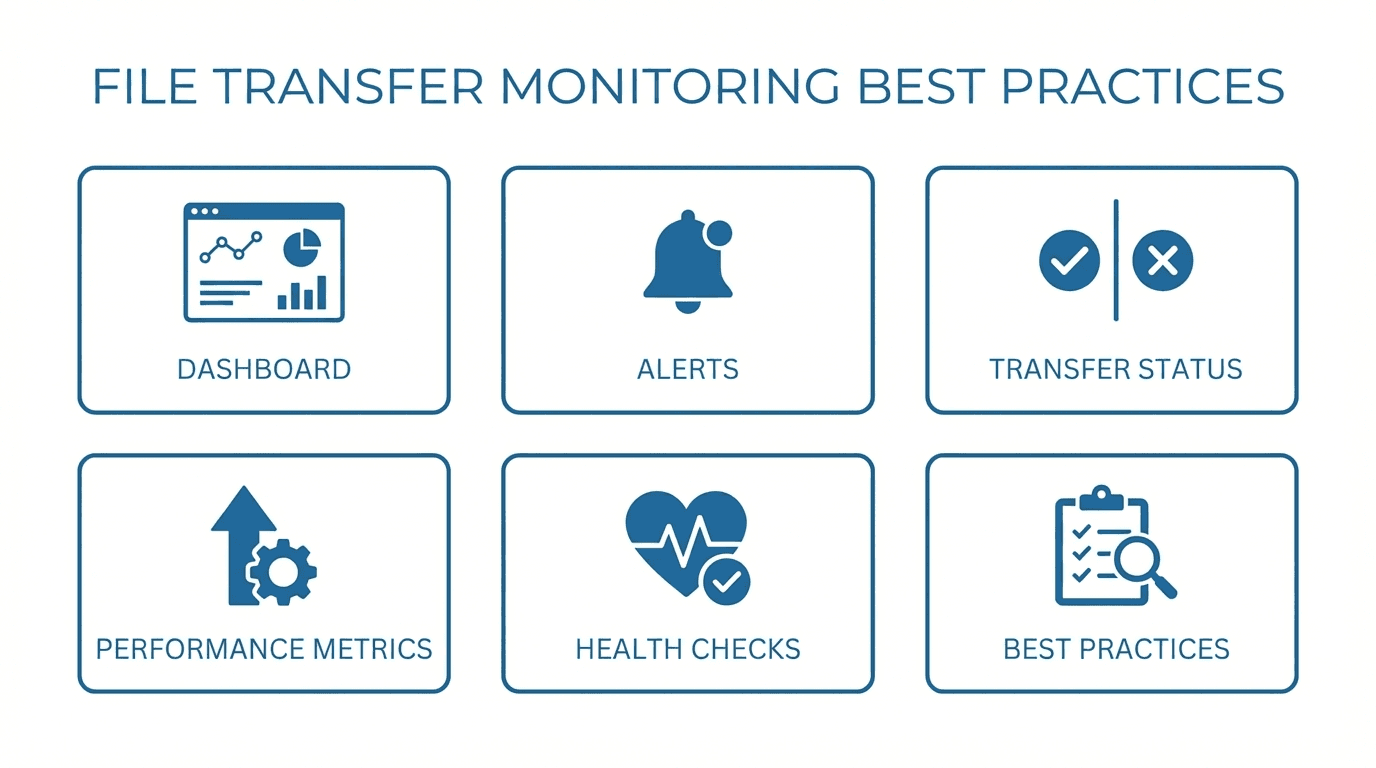
- Real-time transfer activity visible in the dashboard
- Detailed audit logs for every file operation, searchable by user, time, and action
- Webhook notifications for transfer events
- Per-user activity tracking for multi-tenant environments
Want monitoring built into your file transfer platform? Get started with FilePulse and gain visibility into every transfer. Have questions? Reach out to our team.