As organizations move to the cloud, file transfer workflows need to keep pace. The traditional approach of running an FTP server on a single VM does not scale, and it introduces security and reliability risks that are hard to manage. A modern file transfer pipeline leverages cloud-native components to handle growing volumes, meet compliance requirements, and integrate smoothly with the rest of your stack.
This guide covers the core components of a scalable file transfer pipeline, why traditional FTP falls short, and how to design a system that grows with your needs.
Why Traditional FTP Falls Short
FTP was designed in the 1970s. While it still works for basic file transfers, it was never built for the demands of modern cloud infrastructure:
- No encryption by default. Standard FTP transmits credentials and data in plaintext. FTPS adds TLS, but configuration is often error-prone.
- Single point of failure. A single FTP server means one hardware failure or network issue takes down your entire transfer pipeline.
- No built-in automation. FTP requires external scripting for anything beyond manual uploads and downloads.
- Difficult to scale. Scaling FTP horizontally requires sticky sessions, shared storage, and complex load balancing.
- Limited audit capabilities. FTP logs are basic and inconsistent across implementations, making compliance reporting difficult.
Core Components of a Scalable Pipeline
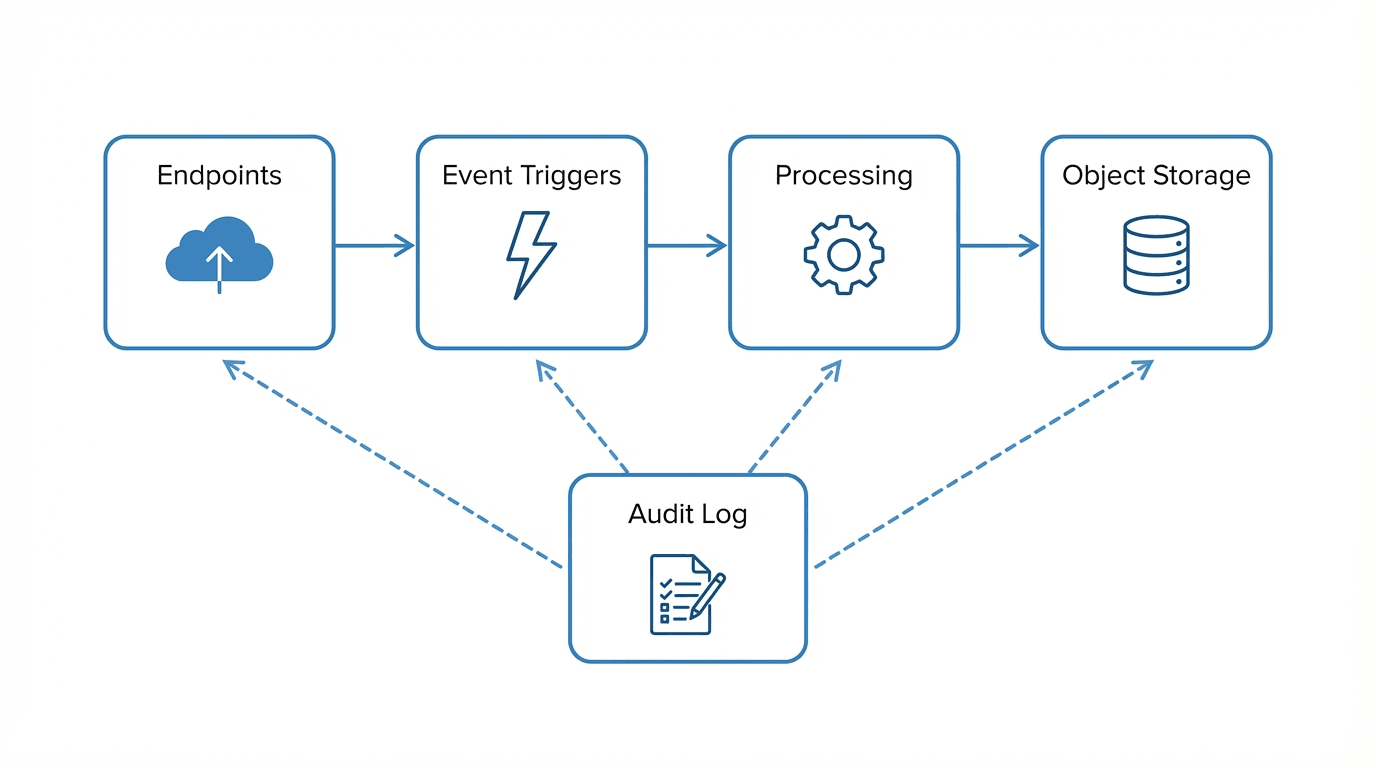
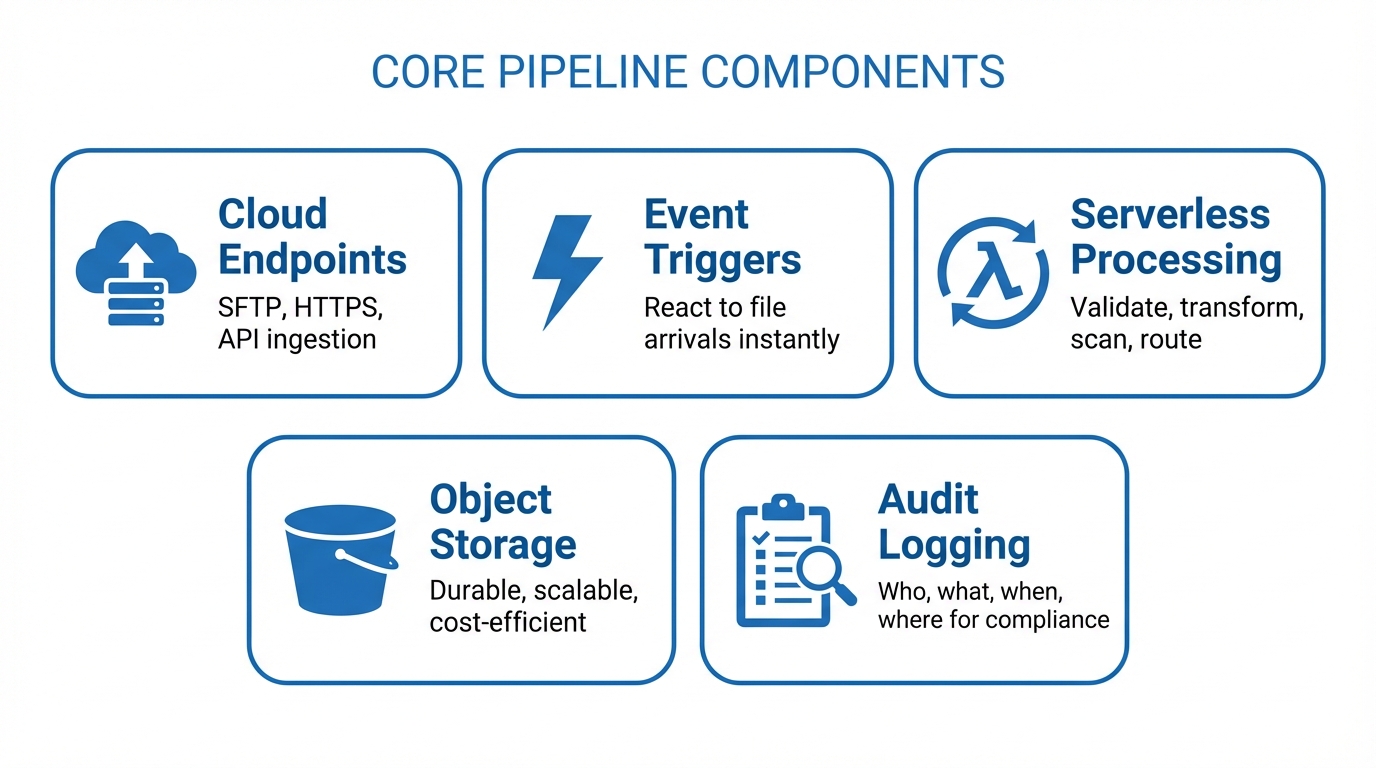
A well-designed cloud file transfer pipeline consists of several key components working together:
Cloud Endpoints
Your pipeline needs reliable, secure endpoints where files enter the system. These are typically SFTP servers, HTTPS upload endpoints, or API-based ingestion points. In a cloud-native design, these endpoints should be:
- Horizontally scalable to handle traffic spikes
- Protocol-flexible so partners can connect using their preferred method
- Authenticated and encrypted with SSH keys, TLS certificates, or API tokens
Event Triggers
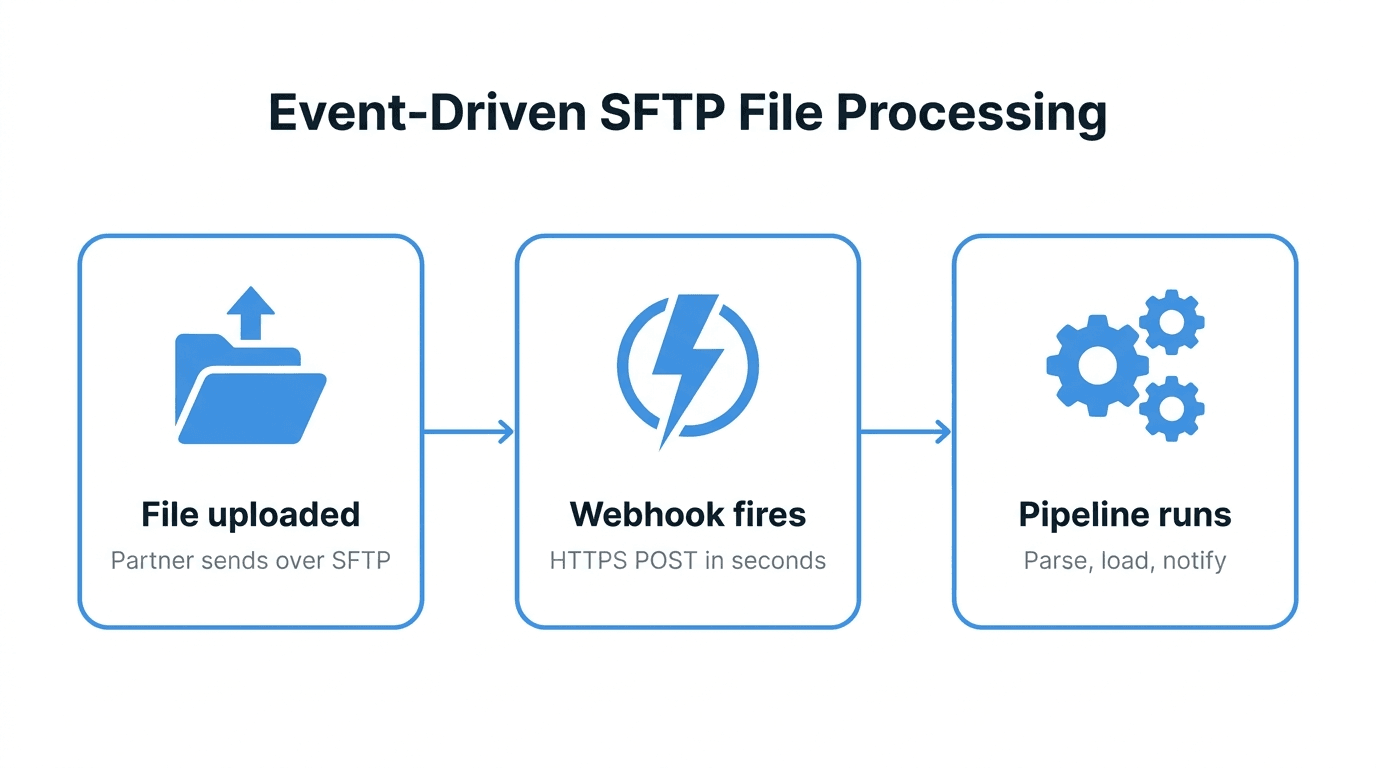
Rather than polling for new files on a schedule, a scalable pipeline uses event-driven triggers. When a file lands in storage, an event fires and kicks off the next step in the pipeline. Cloud providers offer native event systems for this:
- Amazon S3 Event Notifications
- Azure Blob Storage Events
- Google Cloud Storage Notifications
Event-driven architectures reduce latency and eliminate wasted compute cycles from empty polling loops.
Serverless Processing
Once a file arrives and triggers an event, serverless functions handle processing tasks like validation, transformation, virus scanning, and routing. Serverless processing is ideal for file transfer pipelines because:
- It scales automatically with file volume
- You only pay for actual processing time
- There are no servers to patch or maintain
- Functions can be composed into multi-step workflows
Common processing steps include:
- File validation to verify format, size, and naming conventions
- Transformation to convert between formats (CSV to Parquet, XML to JSON)
- Virus scanning before files reach their destination
- Routing to deliver files to the correct downstream system
Object Storage
Object storage (S3, Azure Blob, Google Cloud Storage) is the backbone of any cloud file transfer pipeline. It provides:
- Durability with automatic replication across availability zones
- Scalability to handle files of any size and any volume
- Lifecycle policies for automatic archival and deletion
- Versioning to maintain file history
- Cost efficiency with tiered storage classes
Audit Logging
Every file transfer should be logged with enough detail to satisfy compliance requirements and support operational troubleshooting. Your audit log should capture:
- Who initiated the transfer (user, partner, system)
- What file was transferred (name, size, checksum)
- When the transfer occurred (timestamps with timezone)
- Where the file came from and where it went
- Whether the transfer succeeded or failed, and why
Store audit logs separately from the files themselves, in a tamper-evident system that supports long-term retention.
Designing for Scale
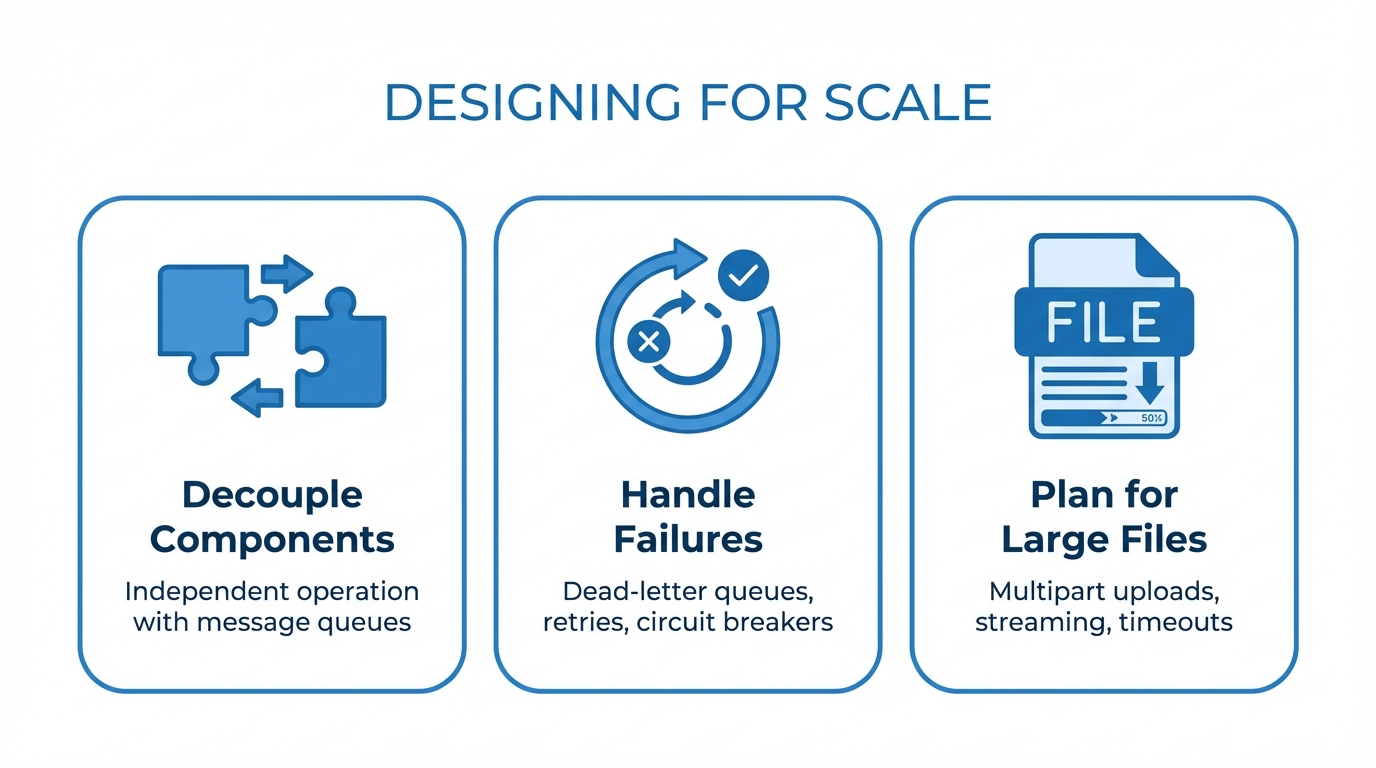
Decouple Components
Each component in your pipeline should operate independently. If your processing layer goes down, files should still land safely in object storage. If a downstream system is unavailable, files should be queued for retry. Use message queues or event buses to decouple components.
Handle Failures Gracefully
Design for the assumption that every component will fail at some point:
- Dead-letter queues capture failed processing attempts for investigation
- Retry policies with exponential backoff handle transient failures
- Idempotent processing ensures that reprocessing a file does not create duplicates
- Circuit breakers prevent cascading failures when downstream systems are unhealthy
Plan for Large Files
Some file transfer workflows involve multi-gigabyte files. Your pipeline should support:
- Multipart uploads so large files can be transferred reliably
- Streaming processing to avoid loading entire files into memory
- Appropriate timeouts that account for slow network connections
Security and Compliance
Security must be built into every layer of your pipeline:
- Encryption in transit using TLS 1.2+ for all connections
- Encryption at rest for all stored files and audit logs
- Least-privilege access so each component only has the permissions it needs
- Network isolation using VPCs, private endpoints, and security groups
- Key rotation on a regular schedule for all credentials and encryption keys
- IP allowlisting to restrict access to known partner networks
For regulated industries, ensure your pipeline supports the specific requirements of frameworks like HIPAA, PCI DSS, SOX, and GDPR.
Integrating with Your Existing Stack
A file transfer pipeline does not exist in isolation. It needs to connect with:
- ERP and CRM systems that consume or produce files
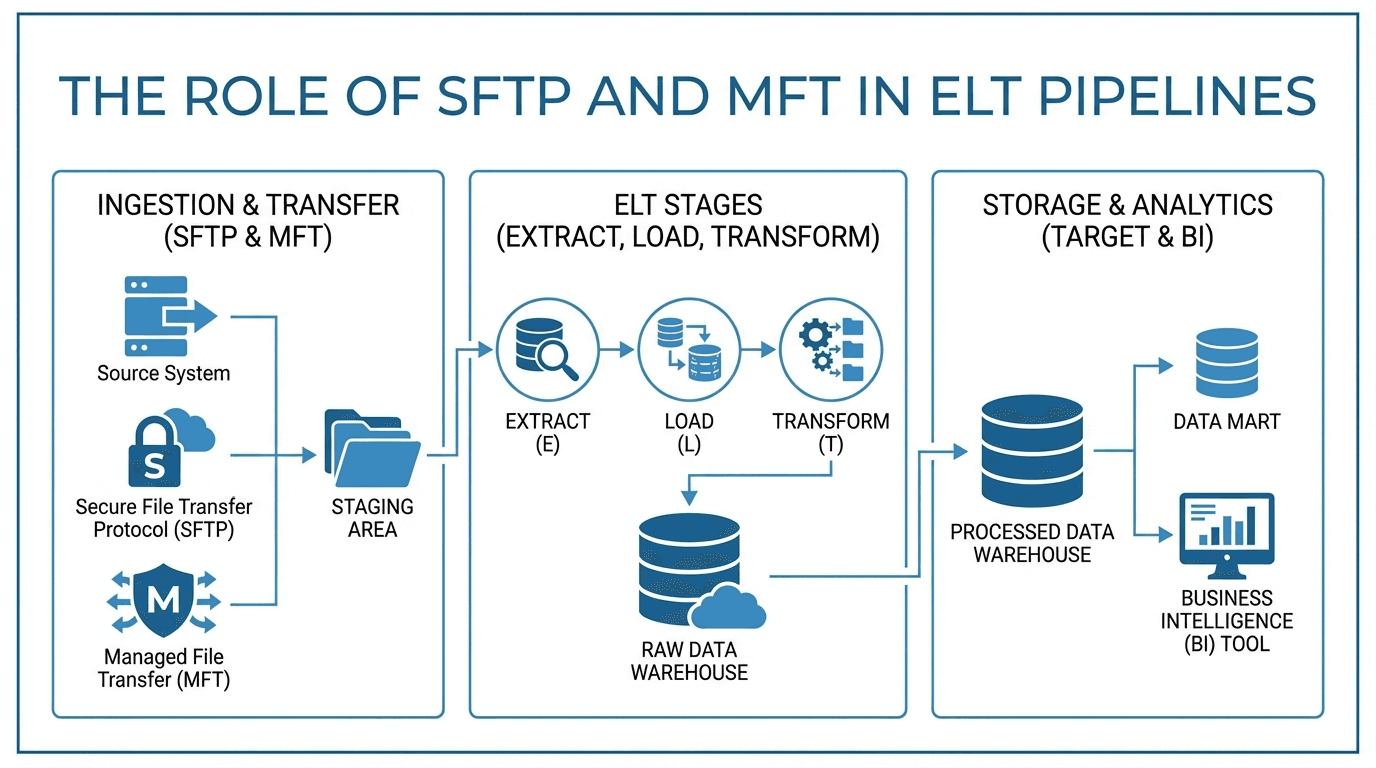
- Data warehouses and lakes that ingest processed data
- Monitoring tools like Datadog, CloudWatch, or Grafana for observability
- Alerting systems that notify your team when transfers fail
- Identity providers for centralized authentication and authorization
Design your pipeline with well-defined APIs and standard protocols so that integration points are clean and maintainable.
Build or Buy?
Building a scalable file transfer pipeline from scratch is achievable, but it requires significant engineering investment. You need to build and maintain SFTP endpoints, processing logic, storage integrations, audit logging, partner management, and monitoring. For many teams, the total cost of ownership for a custom-built pipeline exceeds the cost of a managed solution.
FilePulse provides all of these components as a managed platform: scalable SFTP endpoints, storage integrations, audit logging, partner onboarding, and automation. Instead of spending months building infrastructure, your team can focus on the workflows that matter.
Start a free trial of FilePulse to see how a managed pipeline simplifies your file transfer operations, or contact us to discuss your architecture.