Managed File Transfer (MFT) tools provide a secure, automated way to move files between systems, users, and organizations. With many options on the market, choosing the right one requires understanding what features matter most for your use case and what type of solution fits your infrastructure.
What is MFT and why use it?
MFT replaces ad-hoc file transfer methods (manual uploads, custom scripts, email attachments) with a centralized platform that handles encryption, automation, monitoring, and compliance. Organizations adopt MFT to:
- Eliminate the security risks of unencrypted transfers.
- Automate recurring file exchange workflows.
- Meet audit and compliance requirements.
- Reduce the operational burden of maintaining custom scripts and legacy FTP servers.
Core features to look for
When evaluating MFT tools, focus on these capabilities.
Encryption
End-to-end encryption is non-negotiable. The tool should encrypt data in transit (using protocols like SFTP, FTPS, or HTTPS) and at rest. Look for support for current encryption standards such as AES-256.
Automation
A good MFT tool lets you schedule transfers, trigger workflows based on events (such as a new file arriving), and chain multiple operations together. Automation reduces manual effort and eliminates the risk of human error in repetitive tasks.
Audit logging
Every file operation should be logged with details including the user, timestamp, source, destination, file size, and transfer status. These logs are essential for compliance audits, troubleshooting, and operational visibility.
Protocol support
Your MFT tool should support the protocols your partners and systems require. At a minimum, look for SFTP, FTPS, and HTTPS. Some environments also need SCP, AS2, or REST API support.
Access controls
Granular access controls let you define who can access which files and folders, what operations they can perform, and from which IP addresses they can connect. Role-based access control (RBAC) simplifies management as your user base grows.
Cloud integration
If your infrastructure includes cloud storage services like Amazon S3, Azure Blob Storage, or Google Cloud Storage, the MFT tool should integrate with them natively. This enables seamless movement of files between on-premise systems and cloud environments.
Monitoring and alerting
Real-time monitoring dashboards and configurable alerts help you spot issues before they affect your workflows. Look for features like transfer success/failure notifications, throughput metrics, and storage usage tracking.
Types of MFT tools
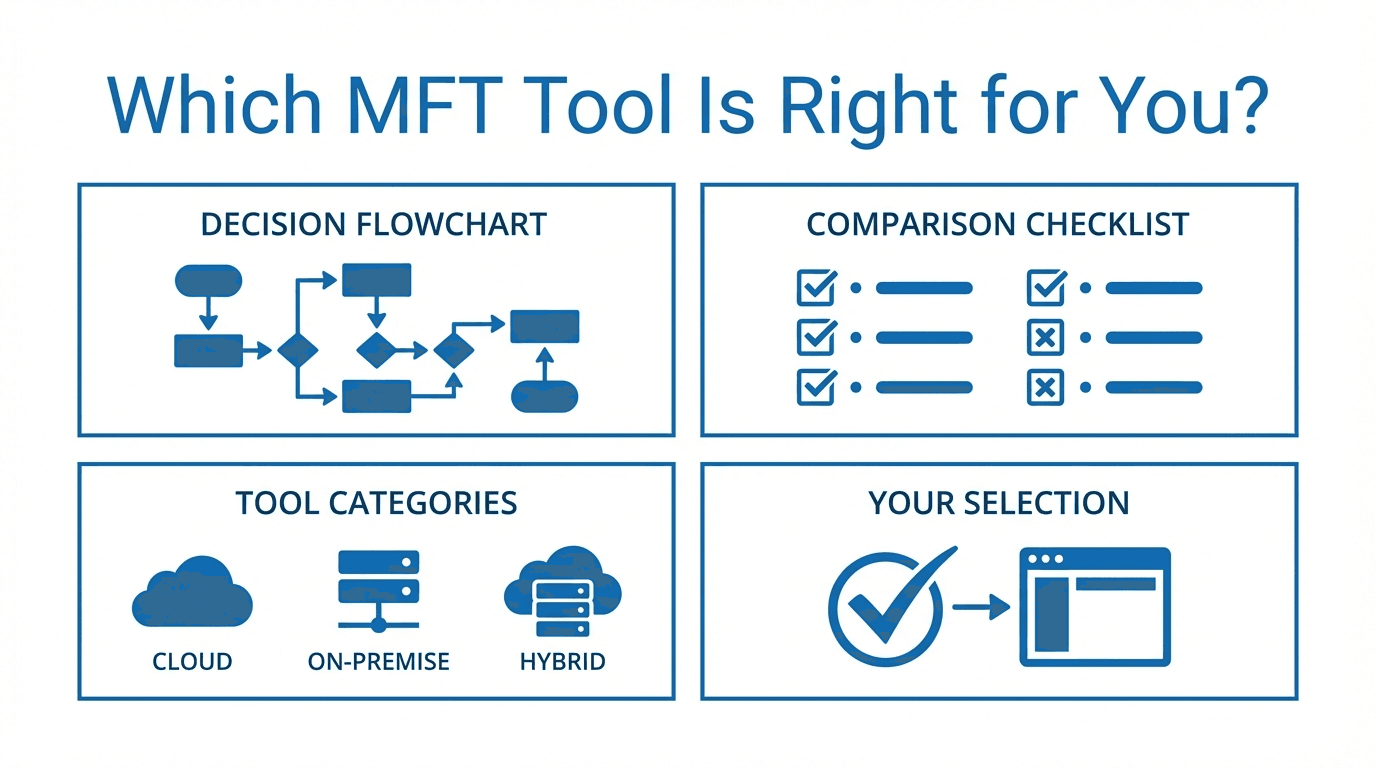
Enterprise MFT
Enterprise solutions like IBM Sterling File Gateway and Axway are designed for large organizations with complex requirements. They offer extensive protocol support, advanced workflow orchestration, and deep integration with enterprise systems. These tools typically come with higher licensing costs and longer implementation timelines.
Open-source MFT
Open-source options provide flexibility and avoid licensing fees. However, they often require more technical expertise to deploy, configure, and maintain. Support is community-driven, which can be a limitation for organizations that need guaranteed response times.
Cloud-native MFT
Cloud-native MFT platforms like FilePulse are built for the cloud from the start. They offer managed infrastructure, automatic scaling, and subscription-based pricing. Setup is typically fast, and the provider handles maintenance, patching, and uptime.
Hybrid MFT
Hybrid solutions combine on-premise components with cloud services. They are useful for organizations that need to keep some data on-premise for regulatory reasons while leveraging the cloud for scalability and external partner connectivity.
Key questions to ask before choosing
Before selecting an MFT tool, work through these questions with your team.
What are your transfer volumes? Understand how many files you transfer daily and how large they are. This affects pricing, performance requirements, and storage needs.
Who are your users? Consider both internal users (IT staff, business teams) and external users (partners, vendors, clients). External users often need a simpler interface and clear onboarding.
What protocols do your partners require? Survey your trading partners and internal systems to build a list of required protocols. Choosing a tool that does not support a critical protocol will force workarounds.
What compliance frameworks apply? Identify the regulations you must follow (HIPAA, GDPR, SOC 2, PCI DSS) and verify that the tool supports the necessary controls, encryption standards, and audit capabilities.
How much operational overhead can you absorb? Self-hosted and open-source tools require ongoing maintenance. If your team is small or already stretched, a managed cloud service reduces that burden.
What is your budget model? Some tools require large upfront licensing fees. Others charge monthly subscriptions based on usage. Match the pricing model to your organization's budgeting preferences.
How quickly do you need to be operational? Enterprise tools can take months to deploy. Cloud-native solutions can often be up and running in a day. Consider your timeline alongside your feature requirements.
What does your growth trajectory look like? Choose a tool that can scale with your organization. Migrating MFT platforms is disruptive, so it is worth selecting a solution that will serve you for the next several years.
Making the right choice
The best MFT tool is the one that matches your security requirements, integrates with your existing systems, fits your budget, and scales with your growth. Start by defining your requirements clearly, then evaluate a shortlist of tools against those criteria.
Ready to try a cloud-native MFT solution? Start a free trial of FilePulse or get in touch to discuss your requirements.