SFTP is built for security, but that does not mean it has to be slow. When transferring large files or high volumes of data, a few targeted optimizations can dramatically improve throughput. This guide covers the key factors that affect SFTP performance and how to address each one.
Factors Affecting SFTP Performance
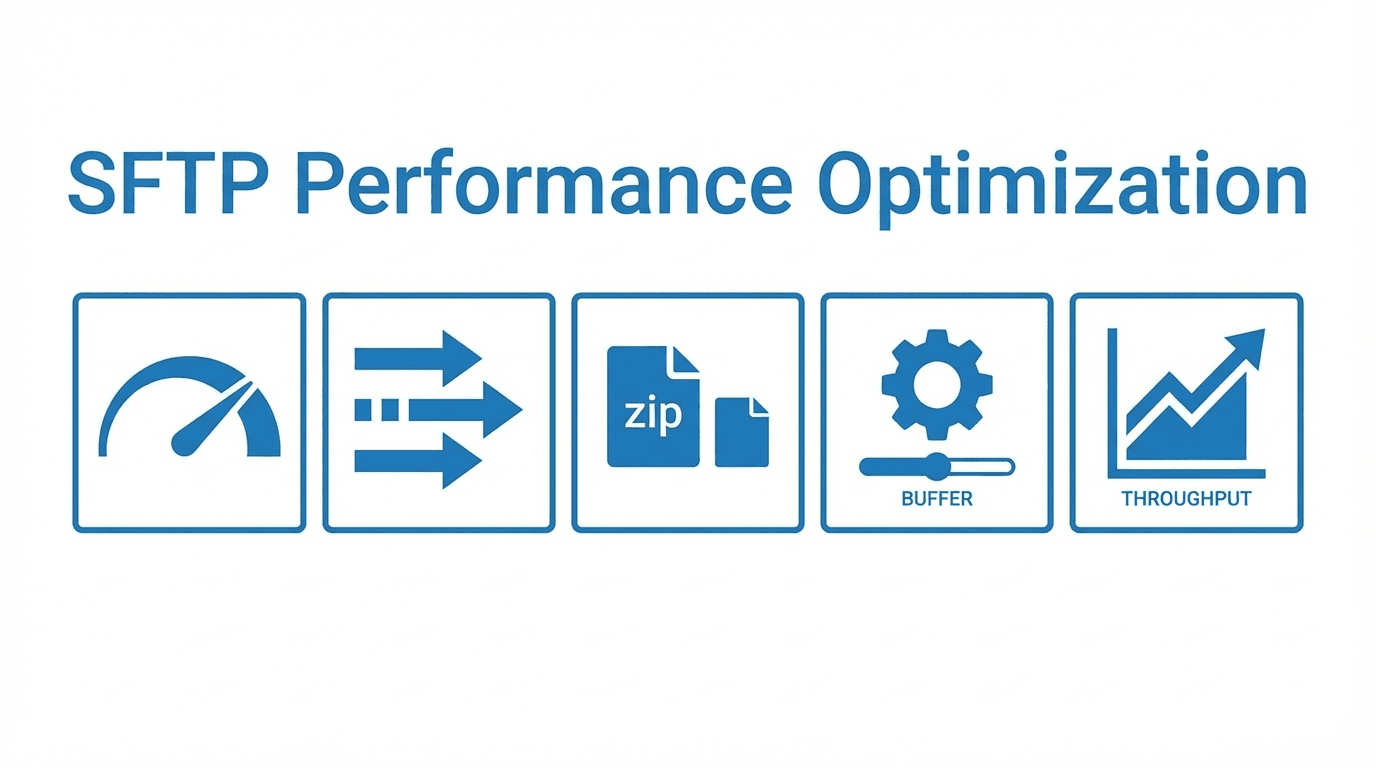
Several variables influence how fast files move over SFTP:
- Network latency: The round-trip time between client and server affects every operation. High latency is especially costly for SFTP because the protocol requires acknowledgment of each data packet before sending the next one.
- Encryption overhead: SSH encryption and decryption consume CPU cycles. On older hardware or with inefficient cipher choices, this can become a bottleneck.
- Buffer sizes: Small read and write buffers force the client and server to exchange more packets for the same amount of data, increasing the impact of latency.
- Connection management: Opening a new SSH connection for each file adds overhead from the key exchange and authentication handshake.
Tuning SSH Settings
Adjusting SSH configuration on both the client and server can yield significant improvements:
- Choose efficient ciphers: Modern ciphers like
aes128-gcm@openssh.comorchacha20-poly1305offer strong security with lower CPU overhead than older options likeaes256-cbc. - Increase buffer sizes: The SSH
RekeyLimitand internal buffer settings control how much data can be sent before renegotiating keys. Setting these appropriately for large transfers avoids unnecessary rekeying pauses. - Enable TCP window scaling: Ensure the operating system's TCP window size is large enough to keep the network pipe full, especially on high-bandwidth, high-latency connections.
Parallel Transfers
Transferring multiple files concurrently is one of the simplest ways to improve throughput. Instead of sending files one at a time, use multiple SFTP sessions in parallel. This is especially effective when transferring many small to medium-sized files, as it reduces the impact of per-file overhead.
Most SFTP client libraries and command-line tools support configuring the number of concurrent transfers. Start with 4 to 8 parallel streams and adjust based on your server's capacity and network conditions.
Compression
SSH supports built-in compression using zlib. For text-based files, log files, CSV data, and similar compressible content, enabling compression can reduce the amount of data sent over the network and speed up transfers.
However, compression adds CPU overhead and provides little benefit for files that are already compressed, such as ZIP archives, images, or encrypted files. Enable compression selectively based on the type of data you are transferring.
Connection Pooling
Establishing an SSH connection involves a key exchange, algorithm negotiation, and authentication, which can take several hundred milliseconds or more. When transferring many files in sequence, this per-connection cost adds up.
Connection pooling reuses an existing SSH session for multiple file operations, avoiding the repeated handshake overhead. Many SFTP client libraries support this natively, and tools like OpenSSH's ControlMaster allow connection sharing across multiple command-line sessions.
Streaming vs Buffered Transfers
In a buffered transfer, the entire file is read into memory before being sent. This approach works for small files but becomes impractical for large ones.
Streaming transfers read and send data in chunks, keeping memory usage low and starting the transfer immediately without waiting for the full file to be loaded. For large file transfers, streaming is almost always the better approach.
How FilePulse Optimizes Performance
FilePulse's managed SFTP infrastructure is tuned for performance out of the box. The platform uses optimized cipher configurations, efficient buffer management, and connection handling designed for high-throughput workloads. Storage backends are connected over low-latency links, and the system scales automatically to handle traffic spikes.
You benefit from these optimizations without needing to tune SSH settings or manage server resources yourself.
Sign up for FilePulse to experience fast, reliable managed SFTP, or contact us to discuss your performance requirements.