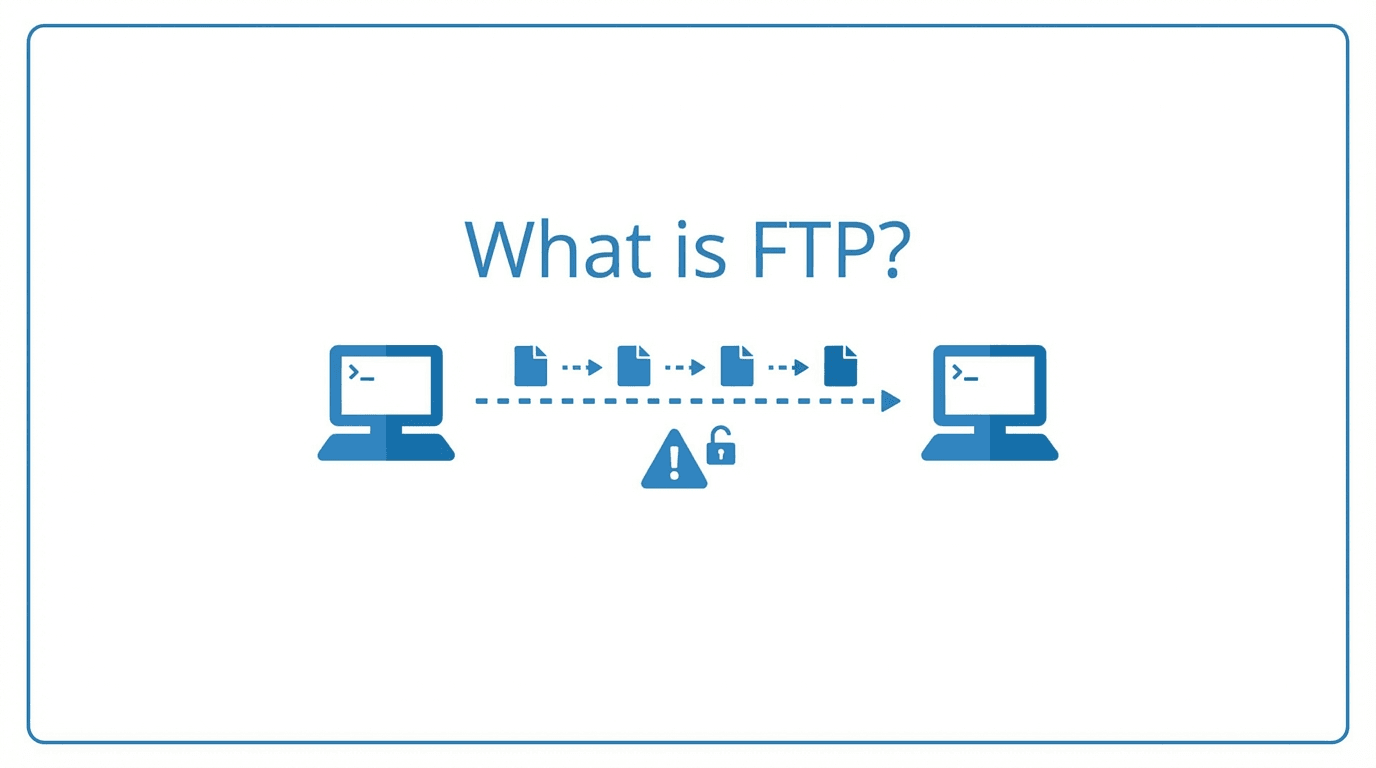
File Transfer Protocol (FTP) is one of the oldest networking protocols still in active use. First defined in 1971 and standardized as RFC 959 in 1985, FTP was designed to move files between computers over a TCP/IP network. Despite its age, FTP remains a common protocol in many industries, from finance to healthcare to logistics.
How FTP Works
FTP uses a client-server model with two separate channels:
- Control channel (port 21): Handles commands and responses between client and server. This channel stays open for the duration of the session and carries instructions like login credentials, directory listings, and transfer requests.
- Data channel (port 20 or dynamic): Carries the actual file data. A new data connection is established for each file transfer or directory listing.
This dual-channel architecture is what sets FTP apart from simpler protocols like HTTP. It allows the control session to persist while data flows through a separate connection.
Active vs Passive Mode
FTP supports two connection modes, and understanding the difference is essential for troubleshooting firewall issues.
Active mode: The client opens a random port and tells the server to connect back to it. The server initiates the data connection from port 20 to the client's specified port. This often fails when the client is behind a NAT or firewall, since inbound connections to the client are typically blocked.
Passive mode: The server opens a random port and tells the client to connect to it. The client initiates the data connection, which works much better through firewalls and NAT. Most modern FTP clients default to passive mode for this reason.
Security Limitations of Plain FTP
Plain FTP has a critical weakness: everything is transmitted in cleartext, including usernames, passwords, and file contents. Anyone with access to the network path can intercept credentials and data. This makes unencrypted FTP unsuitable for transferring sensitive information.
Other security concerns include:
- No built-in integrity checking for transferred files
- Vulnerability to man-in-the-middle attacks
- No server identity verification
- Broad port ranges required for passive mode can widen the attack surface
FTPS and SFTP: Secure Alternatives
Two protocols address the security gaps in plain FTP:
FTPS (FTP Secure) adds TLS/SSL encryption on top of the standard FTP protocol. It can operate in explicit mode (upgrading the connection on port 21) or implicit mode (using a dedicated port, typically 990). FTPS preserves the FTP command set, making migration straightforward.
SFTP (SSH File Transfer Protocol) is a completely different protocol that runs over SSH on port 22. Despite the similar name, SFTP shares no code with FTP. It uses a single encrypted connection for both commands and data, which simplifies firewall configuration.
Common Use Cases
FTP and its secure variants remain widely used for:
- Automated batch transfers between business partners
- Legacy system integrations where changing protocols is costly
- Large file distribution in media and publishing
- Regulatory data submissions in healthcare and finance
- Website deployment for hosting platforms that still rely on FTP
Why FTP Still Matters
While newer protocols and APIs have emerged, FTP persists because of its deep integration into enterprise workflows. Many ERP systems, EDI platforms, and mainframe applications rely on FTP-based file exchange. Replacing these integrations is often expensive and time-consuming.
The practical approach is to use a managed platform that supports FTP, FTPS, and SFTP behind a single interface. This lets you serve legacy clients over FTP while encouraging partners to adopt secure protocols.
Ready to modernize your file transfers without breaking existing workflows? Start your free trial of FilePulse and support FTP, FTPS, and SFTP from one managed platform. Have questions? Contact our team to discuss your use case.