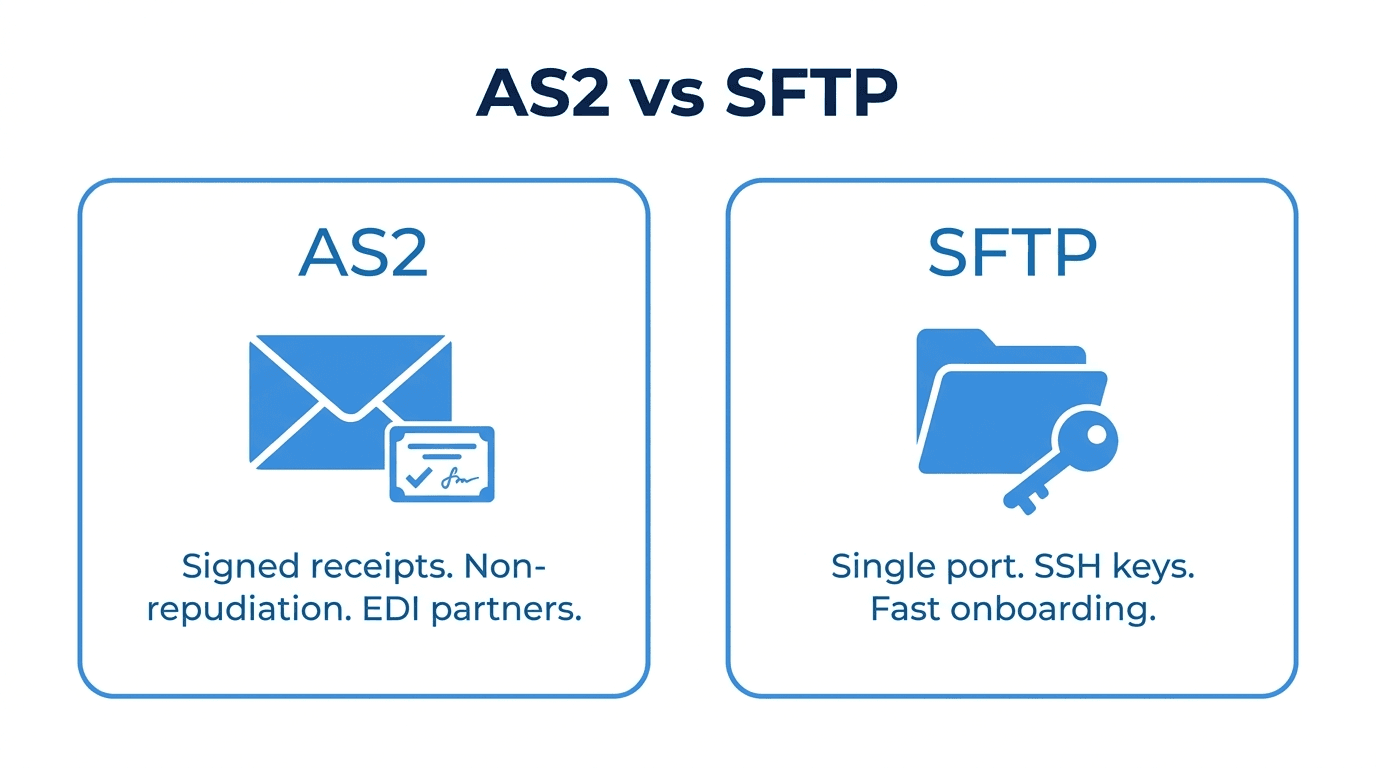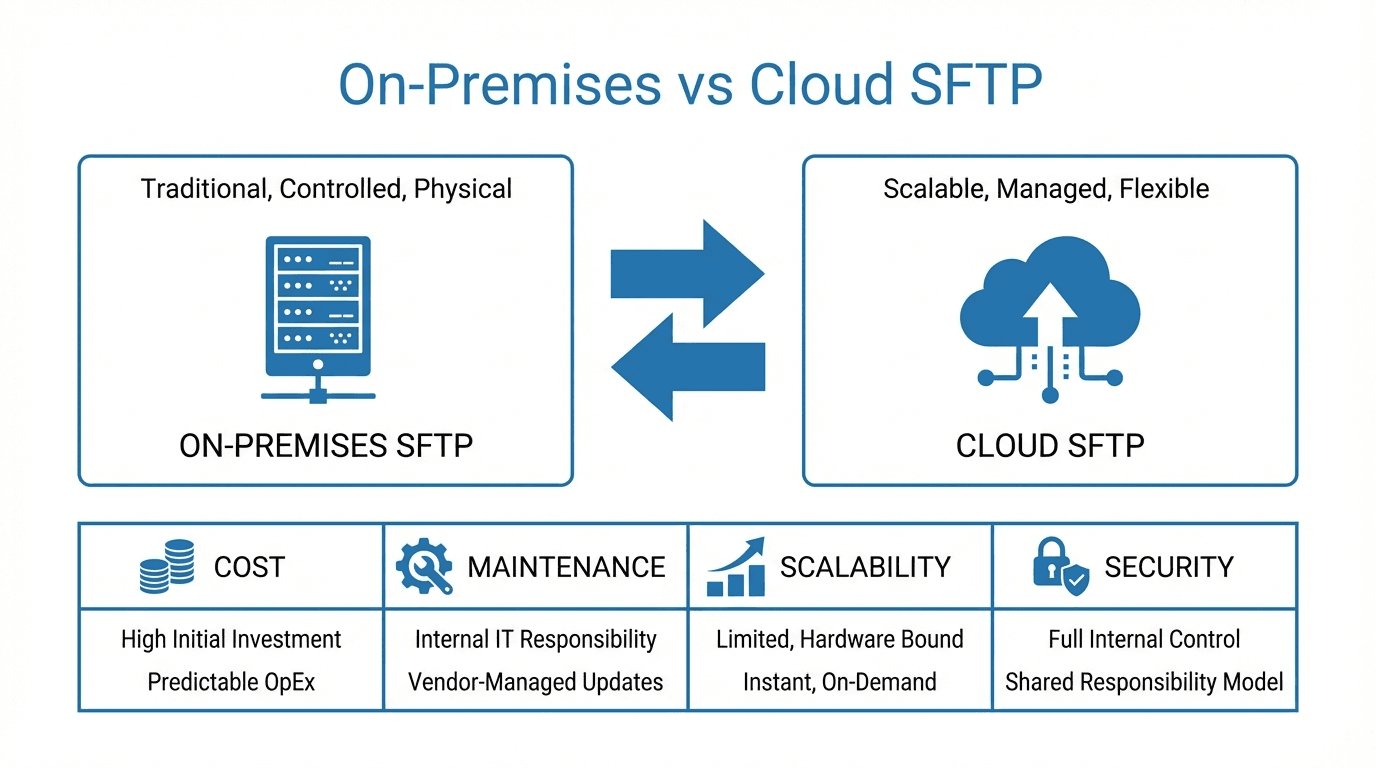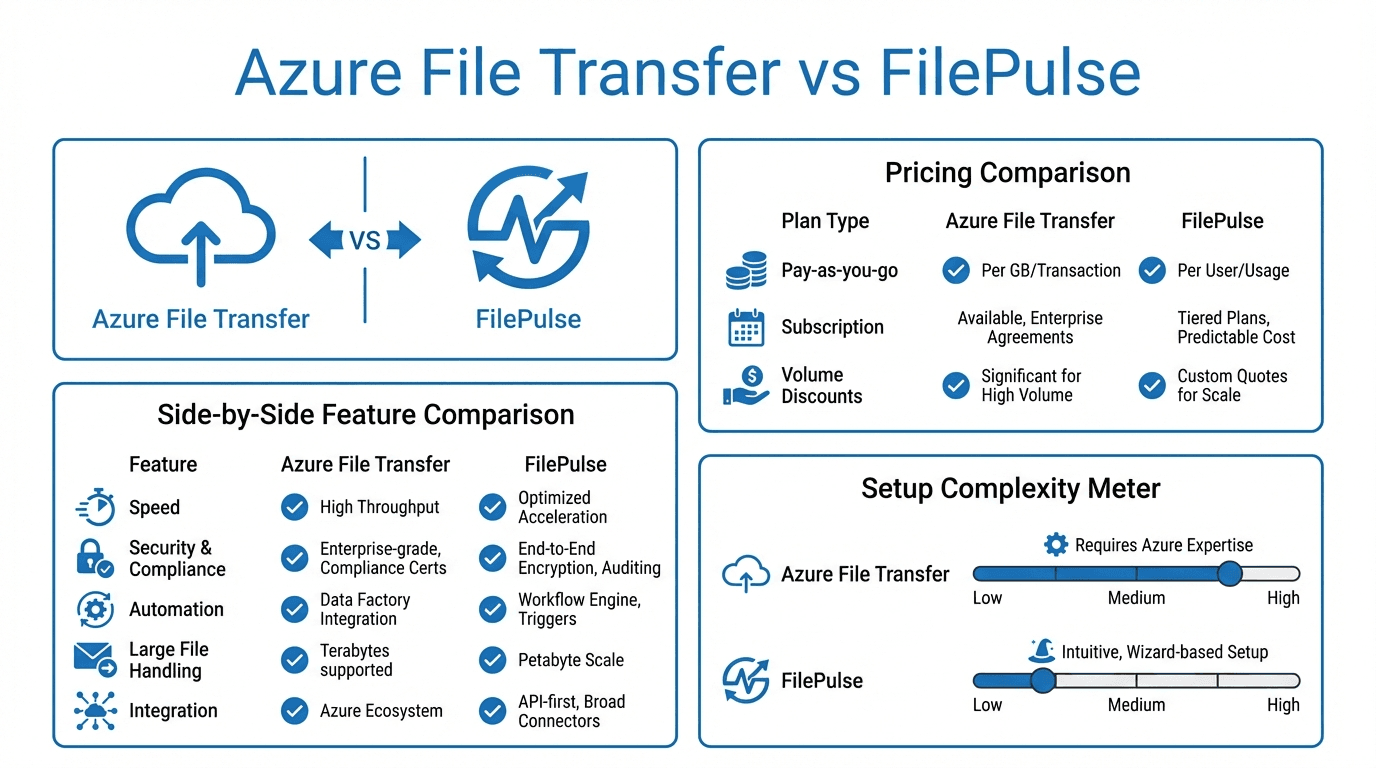
SFTP and WebDAV are both widely used protocols for transferring and managing files over a network, but they were designed for different purposes and operate in different ways. This guide breaks down the key differences to help you choose the right protocol for your use case.
What is SFTP?
SFTP (SSH File Transfer Protocol) is a file transfer protocol that runs over an SSH connection. It provides encrypted file access, transfer, and management between a client and a server. SFTP is not related to FTP despite the similar name. It was designed from the ground up as part of the SSH protocol suite.
SFTP operates on a single port (typically port 22) and encrypts both the authentication process and the data transfer. It is the standard protocol for secure file transfers in most enterprise environments.
What is WebDAV?
WebDAV (Web Distributed Authoring and Versioning) is an extension of the HTTP protocol that allows clients to create, move, copy, and delete files on a remote web server. It was originally designed for collaborative web authoring, enabling multiple users to edit and manage content on a web server.
WebDAV operates over HTTP or HTTPS (typically port 80 or 443) and adds file management capabilities on top of the standard web protocol stack.
Security model
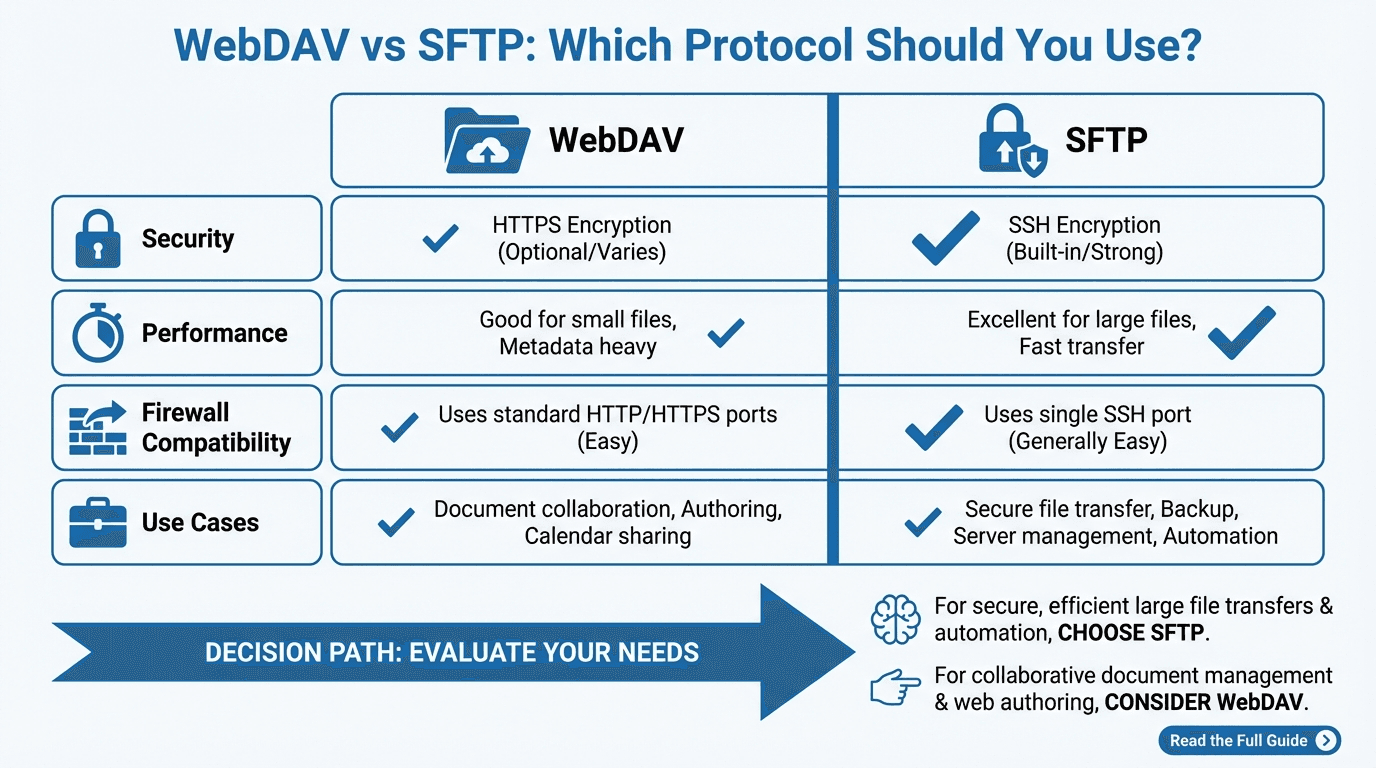
SFTP encrypts everything by default. The SSH connection provides strong encryption for authentication credentials, commands, and file data. There is no unencrypted mode. Every SFTP session is protected.
WebDAV relies on the underlying transport for security. When used over plain HTTP, data is transmitted in cleartext. To achieve encryption, WebDAV must be configured with HTTPS (TLS/SSL). While HTTPS provides strong encryption, the security depends on proper TLS configuration and certificate management.
For environments where security is a primary concern, SFTP offers a more straightforward path to encryption without additional configuration layers.
Performance
SFTP uses a binary protocol, which is efficient for transferring files. It supports resumable transfers and can handle large files well. However, SFTP can be slower for transferring many small files due to the overhead of individual file operations over an encrypted channel.
WebDAV uses HTTP, which is a text-based protocol with more overhead per request. For bulk file transfers, WebDAV is generally slower than SFTP. However, WebDAV can benefit from HTTP optimizations like caching, compression, and connection pooling, which can improve performance in certain scenarios.
Authentication
SFTP supports several authentication methods:
- Password authentication - Simple username and password.
- Public key authentication - Clients authenticate using SSH key pairs, which is more secure than passwords and supports automation without storing passwords.
- Multi-factor authentication - Can be combined with keyboard-interactive authentication for additional security layers.
WebDAV relies on HTTP authentication mechanisms:
- Basic authentication - Username and password sent with each request (must be used with HTTPS to avoid exposing credentials).
- Digest authentication - A challenge-response mechanism that avoids sending passwords in cleartext.
- OAuth and token-based authentication - Modern WebDAV implementations can integrate with SSO and OAuth providers.
SFTP's public key authentication is particularly well suited for automated, machine-to-machine transfers where you want strong security without managing shared passwords.
Firewall considerations
SFTP uses a single port (port 22 by default). This makes firewall configuration simple. Only one port needs to be opened, and all communication, including authentication, commands, and data, flows through that single connection.
WebDAV uses HTTP ports (80 for HTTP, 443 for HTTPS). In many corporate environments, these ports are already open for web traffic, which can make WebDAV easier to deploy without firewall changes. However, some corporate proxies and firewalls inspect HTTP traffic and may interfere with WebDAV operations.
Use cases for SFTP
- B2B file exchange - Exchanging files with external partners, vendors, or clients where security is critical.
- Automated batch transfers - Scheduled file transfers between systems using scripts or orchestration tools.
- Compliance-driven environments - Industries like healthcare, finance, and government where audit trails and encryption are mandatory.
- Server-to-server transfers - Moving data between servers in different environments or datacenters.
- Secure remote file access - Accessing files on a remote server from the command line or specialized SFTP clients.
Use cases for WebDAV
- Collaborative document editing - Sharing and editing documents across a team using WebDAV-compatible applications.
- Content management - Managing website content or digital assets through WebDAV-enabled CMS platforms.
- Cloud storage access - Many cloud storage services expose WebDAV endpoints for file access, making it easy to mount remote storage as a local drive.
- Cross-platform file access - WebDAV is natively supported by most operating systems for mounting remote directories, which can simplify end-user access.
- Environments with restrictive firewalls - When only HTTP/HTTPS ports are available, WebDAV provides file management capabilities without opening additional ports.
When to choose which
Choose SFTP when:
- Security is a top priority and you want encryption by default.
- You need public key authentication for automated workflows.
- Your use case involves B2B file exchange or compliance-regulated data.
- You are building server-to-server transfer pipelines.
- You want a simple, single-port protocol.
Choose WebDAV when:
- You need collaborative file access for end users through standard operating system integrations.
- Your environment only allows HTTP/HTTPS traffic.
- You are integrating with web-based content management systems.
- Users need to mount remote storage as a local drive without installing additional software.
- Your workflow benefits from HTTP-level features like caching and proxying.
Using both protocols together
In many organizations, SFTP and WebDAV serve complementary roles. SFTP handles secure, automated file transfers between systems and partners. WebDAV provides a user-friendly way for team members to access and manage shared files through their operating system's file manager.
Looking for a managed SFTP solution? Start a free trial of FilePulse or reach out to our team to discuss your file transfer needs.