When it comes to secure file transfer, two protocols dominate the conversation: SFTP and FTPS. Both encrypt data in transit, but they work in fundamentally different ways. Choosing the right one depends on your infrastructure, compliance requirements, and the systems you need to integrate with.
What Is SFTP?
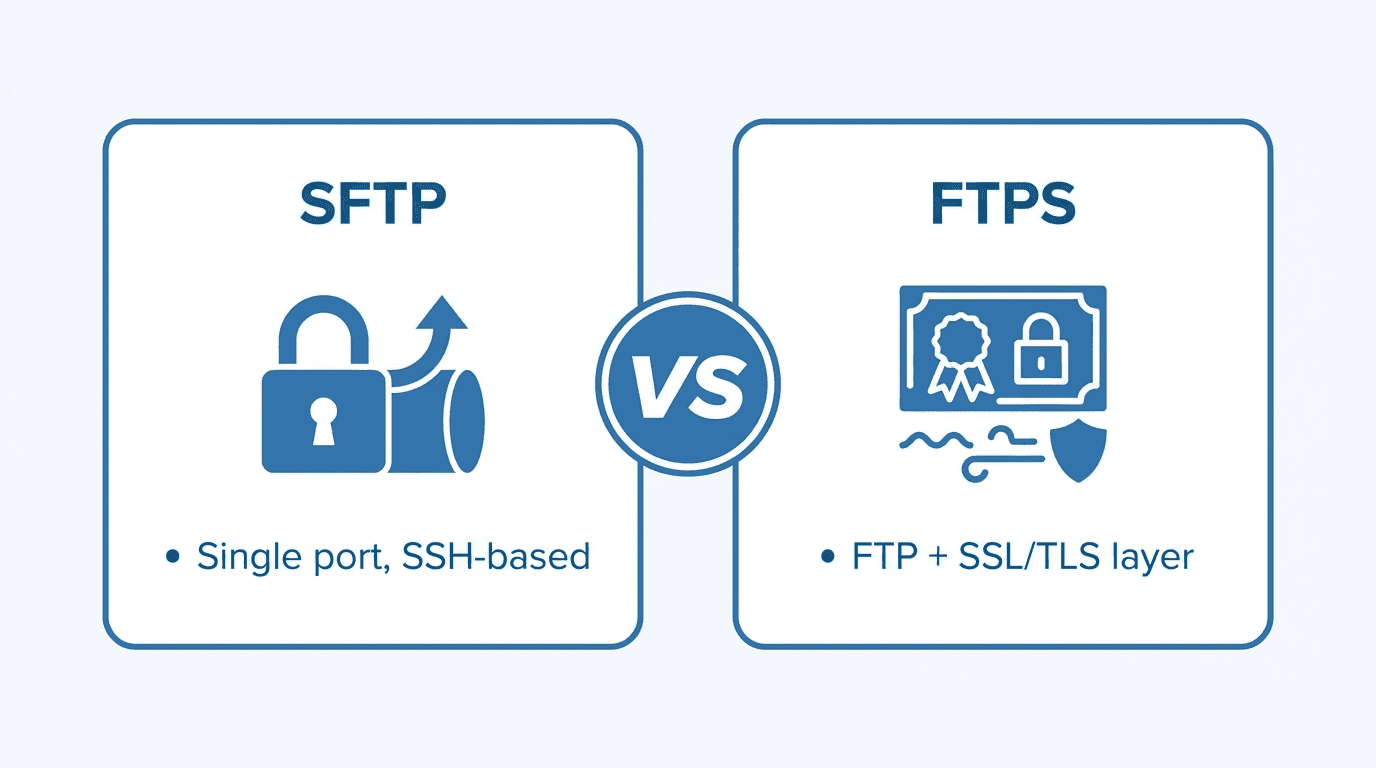
SFTP (SSH File Transfer Protocol) runs over an SSH connection, typically on port 22. Despite its name, SFTP is not FTP with encryption added on top. It is an entirely separate protocol built from the ground up as part of the SSH specification.
Key characteristics of SFTP:
- Uses a single encrypted connection for both commands and data
- Authentication via passwords, SSH keys, or both
- Built-in support for file operations like rename, delete, and permission changes
- Transfers binary data by default with no encoding overhead
What Is FTPS?
FTPS (FTP Secure) is the original FTP protocol extended with TLS/SSL encryption. It comes in two flavors:
- Explicit FTPS: The client connects to port 21 and explicitly requests encryption via the
AUTH TLScommand. This is the preferred modern approach. - Implicit FTPS: The client connects to a dedicated port (usually 990), and the TLS handshake begins immediately. This mode is considered legacy but is still used in some environments.
FTPS retains the dual-channel architecture of FTP, using separate control and data connections.
Key Differences
Ports and Firewall Friendliness
SFTP uses a single port (22) for all communication. This makes it straightforward to configure in firewalls and works well through NAT.
FTPS requires multiple ports: port 21 (or 990) for the control channel, plus a range of ports for data connections in passive mode. This can be challenging to configure securely, especially across strict firewalls.
Winner: SFTP, by a wide margin. Fewer ports means simpler firewall rules and a smaller attack surface.
Encryption and Certificate Management
FTPS relies on X.509 certificates issued by certificate authorities (CAs). Certificates must be purchased or generated, renewed before expiry, and distributed to clients that need to verify the server.
SFTP uses SSH host keys for server identity and SSH key pairs for client authentication. There is no dependency on a CA infrastructure. Keys can be generated locally and exchanged out of band.
Winner: SFTP for simplicity. FTPS if you already have a PKI infrastructure and need certificate-based trust chains.
Authentication Options
SFTP supports password authentication, public key authentication, and combinations of both. SSH keys are widely regarded as more secure than passwords because they are resistant to brute-force attacks.
FTPS supports username/password authentication over the encrypted channel, plus optional client certificates for mutual TLS authentication.
Winner: Tie. Both offer strong authentication, though SSH keys are generally easier to manage than client certificates.
Performance
Both protocols add encryption overhead compared to plain FTP. In practice, the performance difference between SFTP and FTPS is negligible for most workloads. FTPS can sometimes be marginally faster because it supports parallel data connections, but the difference is rarely significant outside of very high-throughput scenarios.
Winner: Roughly equal for typical workloads.
When to Choose SFTP
- You need simple firewall configuration with a single port
- Your partners and clients already use SSH-based tooling
- You want to avoid the complexity of managing TLS certificates
- Your compliance framework specifically requires SSH-based transfer
When to Choose FTPS
- You need backward compatibility with existing FTP clients and workflows
- Your organization has an established PKI and certificate management process
- Partners require FTP-based integration and cannot switch protocols
- You need to support legacy systems that only understand FTP commands
Why Not Both?
Many organizations need to support both protocols to accommodate different partners and systems. Rather than running separate servers, a managed platform like FilePulse lets you offer SFTP and FTPS through a single interface, with unified user management, logging, and storage backends.
Ready to support both SFTP and FTPS without the operational overhead? Sign up for FilePulse and get started in minutes. Need help deciding? Reach out to our team.