When you run a cloud-based SFTP server, the storage backend you choose has a direct impact on cost, performance, compliance, and reliability. The three major options are Amazon S3, Google Cloud Storage (GCS), and Azure Blob Storage. Each has its strengths, and the right choice depends on your specific requirements.
Factors to Consider
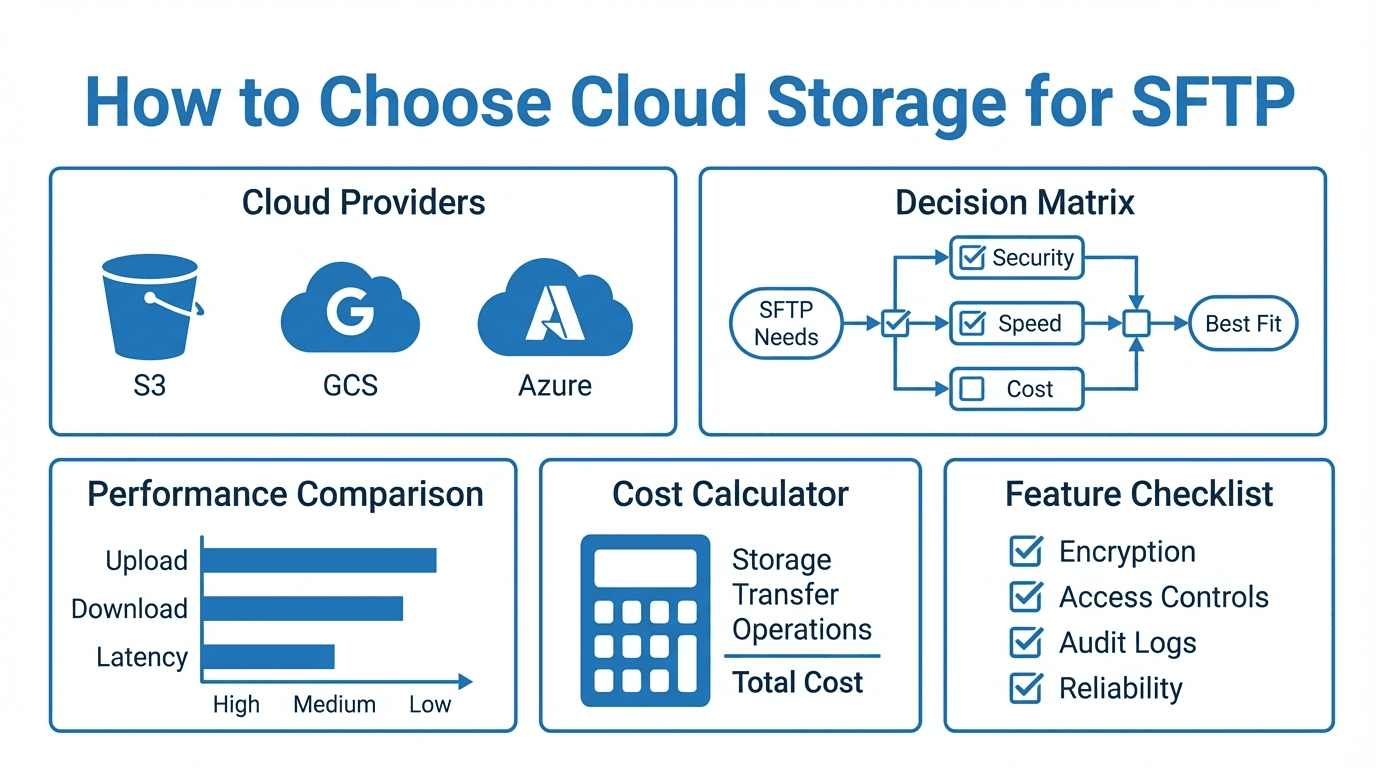
Before comparing providers, define your priorities:
- Cost: Storage pricing, egress fees, and API call charges vary significantly between providers. Egress fees in particular can add up quickly for high-volume transfer workloads.
- Performance: Latency between your SFTP server and the storage backend affects transfer speeds. Co-locating your server and storage in the same region is critical.
- Region availability: If you serve clients globally, you need storage in regions close to your users. Not all providers offer the same set of regions.
- Compliance: Regulations like GDPR, HIPAA, and industry-specific standards may dictate where data can be stored and how it must be encrypted.
- Durability and availability: All three major providers offer high durability (11 nines), but availability SLAs and redundancy options differ.
Comparing S3, GCS, and Azure Blob
Amazon S3
S3 is the most widely adopted object storage service, with the broadest ecosystem of tooling and integrations. It offers multiple storage classes (Standard, Intelligent-Tiering, Glacier) for cost optimization. S3 is available in the most regions worldwide, making it a strong choice for global deployments.
Best for: Organizations already invested in AWS, workloads that need global reach, and use cases requiring mature lifecycle management.
Google Cloud Storage (GCS)
GCS offers competitive pricing, especially for egress through its network. Its Autoclass feature automatically transitions objects between storage classes based on access patterns. GCS integrates tightly with BigQuery and other Google Cloud analytics tools.
Best for: Data-heavy workloads with analytics needs, organizations using Google Cloud, and scenarios where egress cost is a major concern.
Azure Blob Storage
Azure Blob Storage is the natural choice for organizations running on Microsoft Azure. It offers hot, cool, and archive tiers, with strong integration into Azure Active Directory for access control. Azure also provides robust hybrid cloud options for organizations with on-premises infrastructure.
Best for: Microsoft-centric environments, hybrid cloud deployments, and workloads that integrate with Azure AD and other Microsoft services.
The BYOS Approach with FilePulse
One of the biggest advantages of FilePulse is Bring Your Own Storage (BYOS). Rather than locking you into a single provider, FilePulse lets you connect your existing cloud storage accounts as backends for your SFTP server.
This means you can:
- Use the storage provider you already have without migrating data
- Mix providers for different users or workflows (e.g., S3 for one partner, Azure Blob for another)
- Maintain control over your data by keeping it in your own cloud account
- Optimize costs by choosing the most cost-effective storage for each workload
Latency Considerations
The physical distance between your SFTP server and your storage backend matters. Every file operation (list, read, write) involves API calls to the storage service. High latency on these calls translates directly to slower SFTP performance.
Best practices for reducing latency:
- Deploy your SFTP server in the same cloud region as your storage bucket
- Use private network connectivity (VPC peering, Private Link) when available
- Avoid cross-region storage configurations unless necessary for redundancy
Cost Optimization Tips
- Use lifecycle policies to move infrequently accessed data to cheaper storage tiers automatically
- Monitor egress charges closely, especially if partners download large volumes of data
- Consolidate small files where possible to reduce per-request API costs
- Choose reserved capacity or committed use discounts for predictable workloads
- Review storage class usage quarterly to identify savings opportunities
Making the Decision
There is no universal "best" cloud storage for SFTP. The right choice depends on your existing cloud investments, compliance requirements, geographic needs, and budget. With a BYOS approach, you do not have to commit to a single provider upfront.
Want to connect your cloud storage to a managed SFTP server? Try FilePulse free and bring your own S3, GCS, or Azure Blob storage. Questions about setup? Talk to our team.