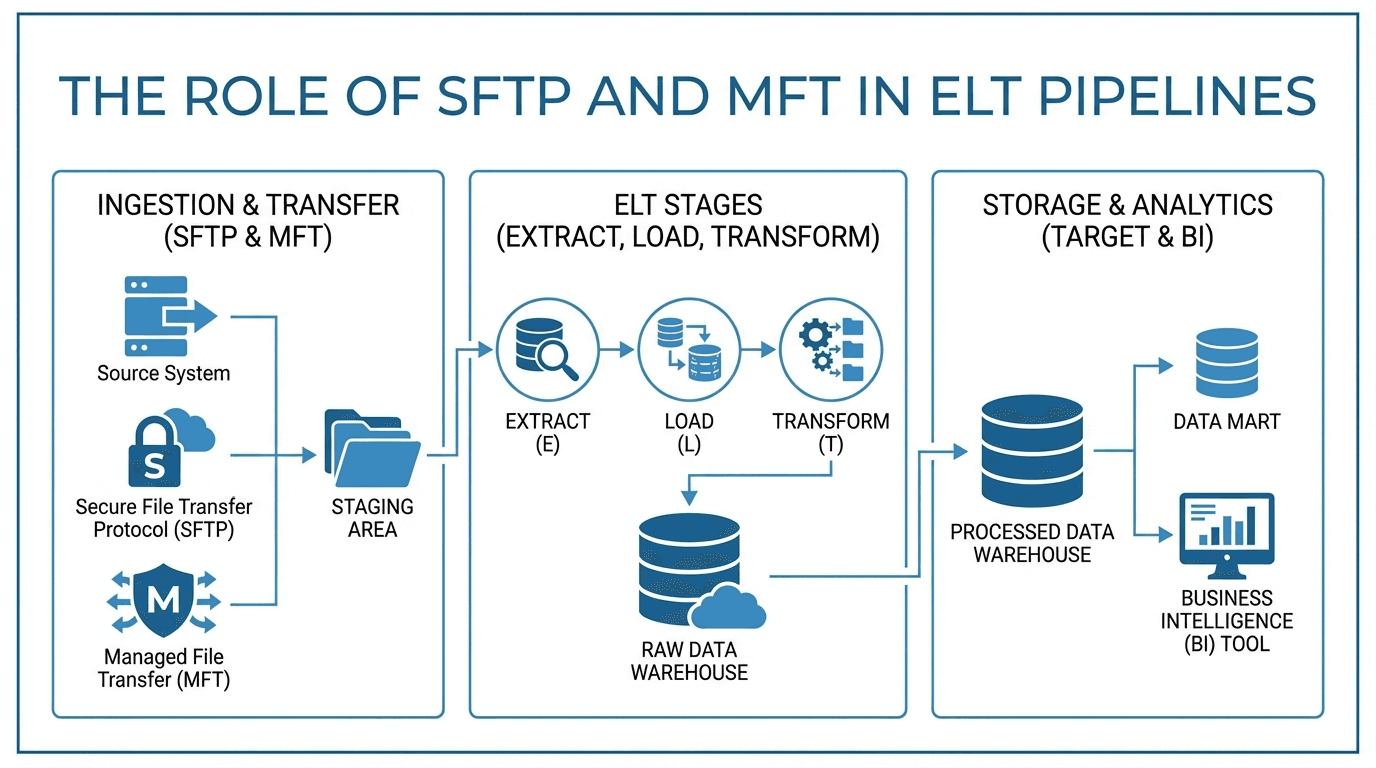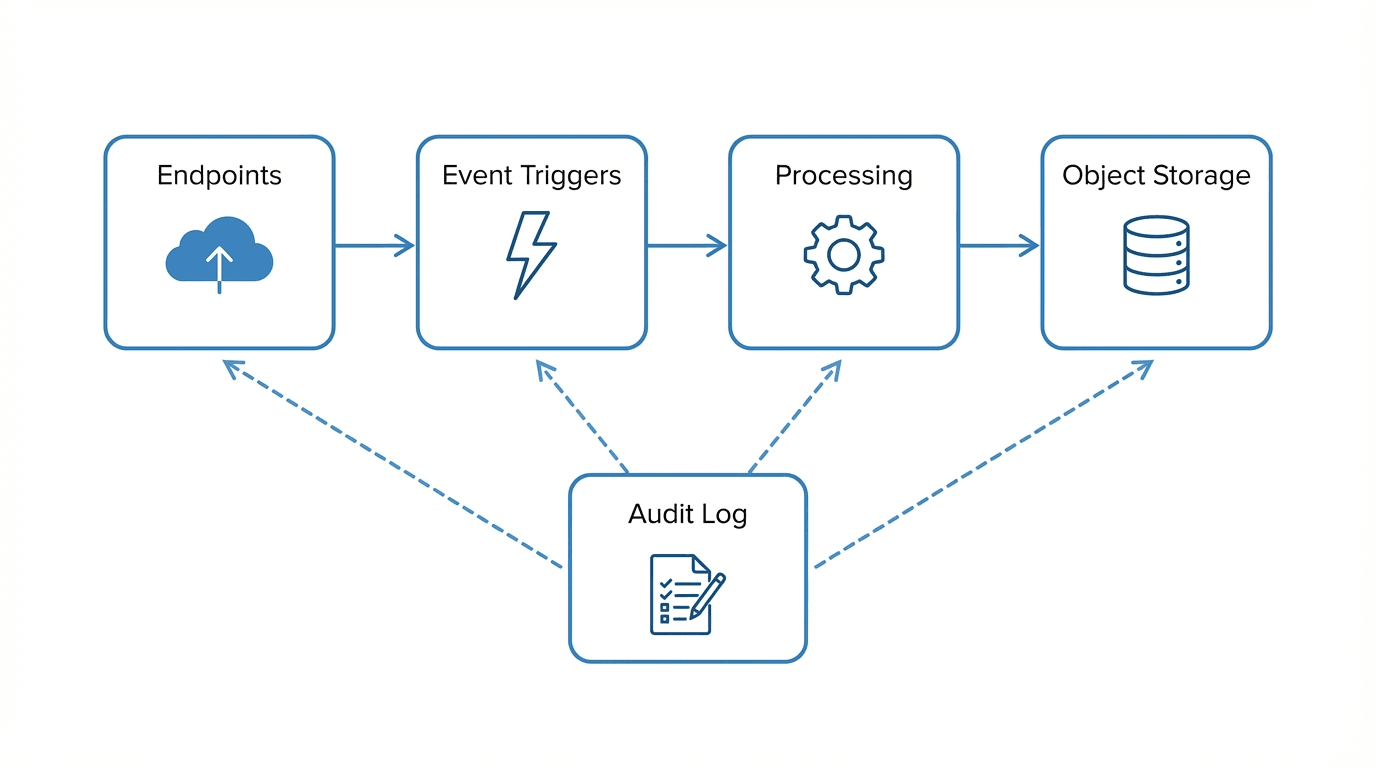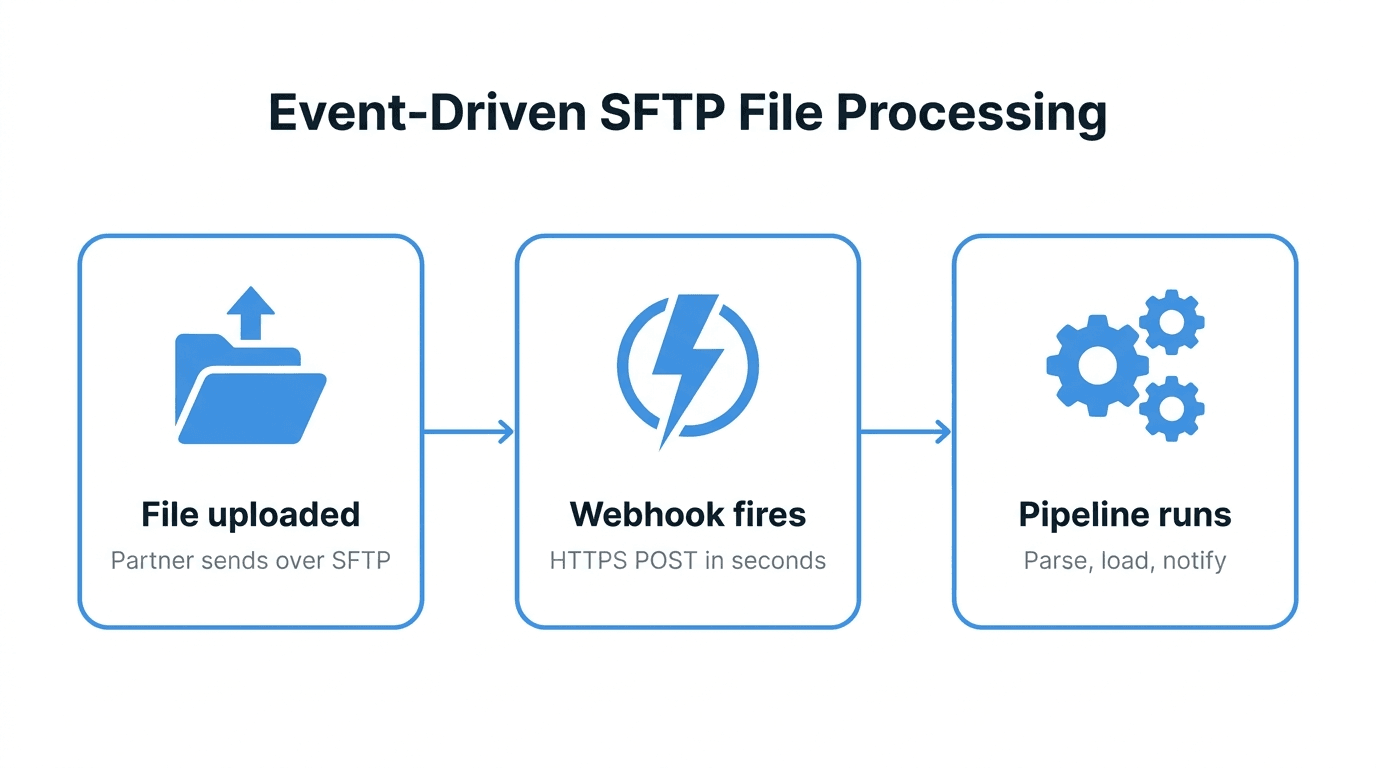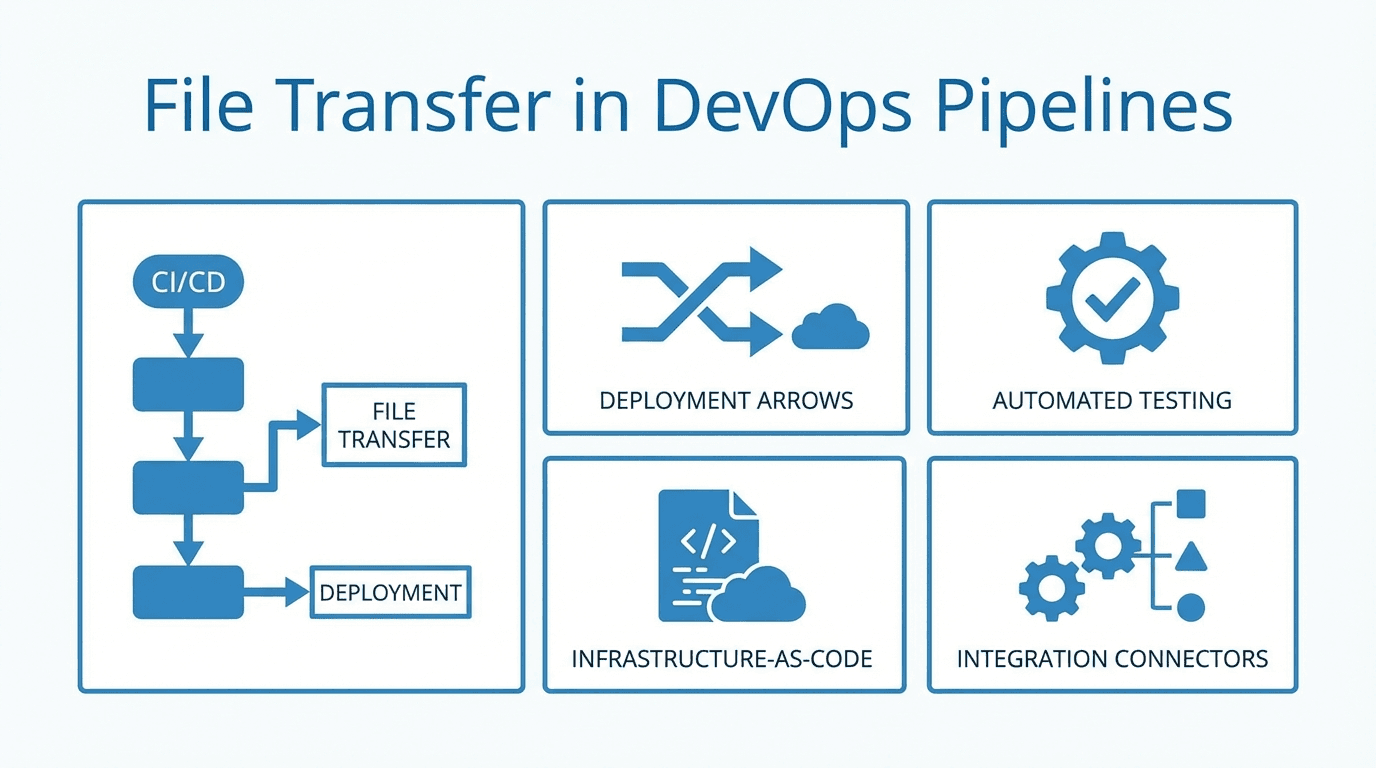
DevOps and CI/CD pipelines are built around automating the software delivery process, from code commit to production deployment. File transfer is a frequent part of these workflows, whether you are moving build artifacts, configuration files, or deployment packages. Integrating SFTP into your pipeline ensures these transfers happen securely and reliably.
Why File Transfer Matters in DevOps
Many deployment workflows involve moving files between systems:
- Build artifacts: Compiled binaries, container images, or bundled assets that need to be distributed to staging or production servers.
- Configuration files: Environment-specific settings, feature flags, or secrets that must be placed on target systems before an application starts.
- Deployment packages: Archives or directories containing everything needed to deploy or update a service.
- Data files: Database exports, seed data, or migration scripts required during deployments.
- Reports and logs: Generated files that need to be archived or shared with external systems after a pipeline run.
Integrating SFTP into CI/CD Workflows
Most CI/CD platforms support running arbitrary shell commands, which makes SFTP integration straightforward. The typical pattern involves storing your SSH private key as a secret in your CI/CD platform, writing a pipeline step that connects to the SFTP server using that key, and uploading or downloading the necessary files.
GitHub Actions
In GitHub Actions, you can use the ssh-agent approach or a community action to handle SFTP transfers. Store your private key as a repository secret, then use it in a workflow step:
- name: Upload build artifact
  run: |
    echo "${{ secrets.SFTP_KEY }}" > /tmp/sftp_key
    chmod 600 /tmp/sftp_key
    sftp -i /tmp/sftp_key -o StrictHostKeyChecking=no \
      user@sftp.example.com:/uploads/ <<< "put build/output.tar.gz"
    rm /tmp/sftp_key
Jenkins
Jenkins pipelines can use the sshagent plugin or execute SFTP commands in a shell step. Credentials are stored in Jenkins' credential manager and injected into the build environment.
GitLab CI
GitLab CI supports SSH key injection through CI/CD variables. Define your key as a file-type variable, then reference it in your .gitlab-ci.yml script section.
Automating Deployments
Beyond one-off transfers, SFTP can be part of a fully automated deployment strategy. A pipeline can build the application, run tests, upload the deployment package to the target server via SFTP, then trigger a remote script to unpack and restart the service. This approach works well for environments where container orchestration is not in use or where files need to land on specific servers.
Security Considerations
Handling SSH keys in CI/CD pipelines requires care:
- Store keys as secrets: Never commit private keys to version control. Use your platform's secret management features.
- Use dedicated keys: Create a separate SSH key pair for CI/CD rather than reusing a developer's personal key. This makes revocation simpler if the key is compromised.
- Limit key permissions: On the SFTP server, restrict the CI/CD key to only the directories and operations it needs.
- Rotate keys regularly: Establish a schedule for rotating CI/CD SSH keys, and automate the process if possible.
- Audit transfers: Review logs to ensure that automated transfers are behaving as expected and that no unauthorized files are being moved.
How Managed SFTP Simplifies DevOps File Transfer
Running your own SFTP server adds operational burden to your DevOps team: patching, monitoring, scaling, and managing access. A managed SFTP service like FilePulse handles all of that, letting your team focus on building and deploying software.
FilePulse provides a stable SFTP endpoint that your pipelines can rely on. User and key management is handled through a web interface or API, and detailed audit logs give you visibility into every transfer.
Get started with FilePulse to simplify file transfer in your CI/CD pipelines, or contact us to discuss your DevOps workflow.