Secure File Transfer Protocol (SFTP) remains one of the most reliable methods for transferring sensitive files over networks. When combined with cloud infrastructure, it provides scalability and accessibility, but also introduces new security challenges. This guide covers the best practices to ensure your SFTP transfers remain secure, compliant, and resilient.
Every file transfer is a potential point of exposure. Without proper safeguards, attackers could intercept, modify, or steal sensitive information. In regulated industries, even a single misconfigured transfer can result in fines and reputational damage.
Setup and configuration
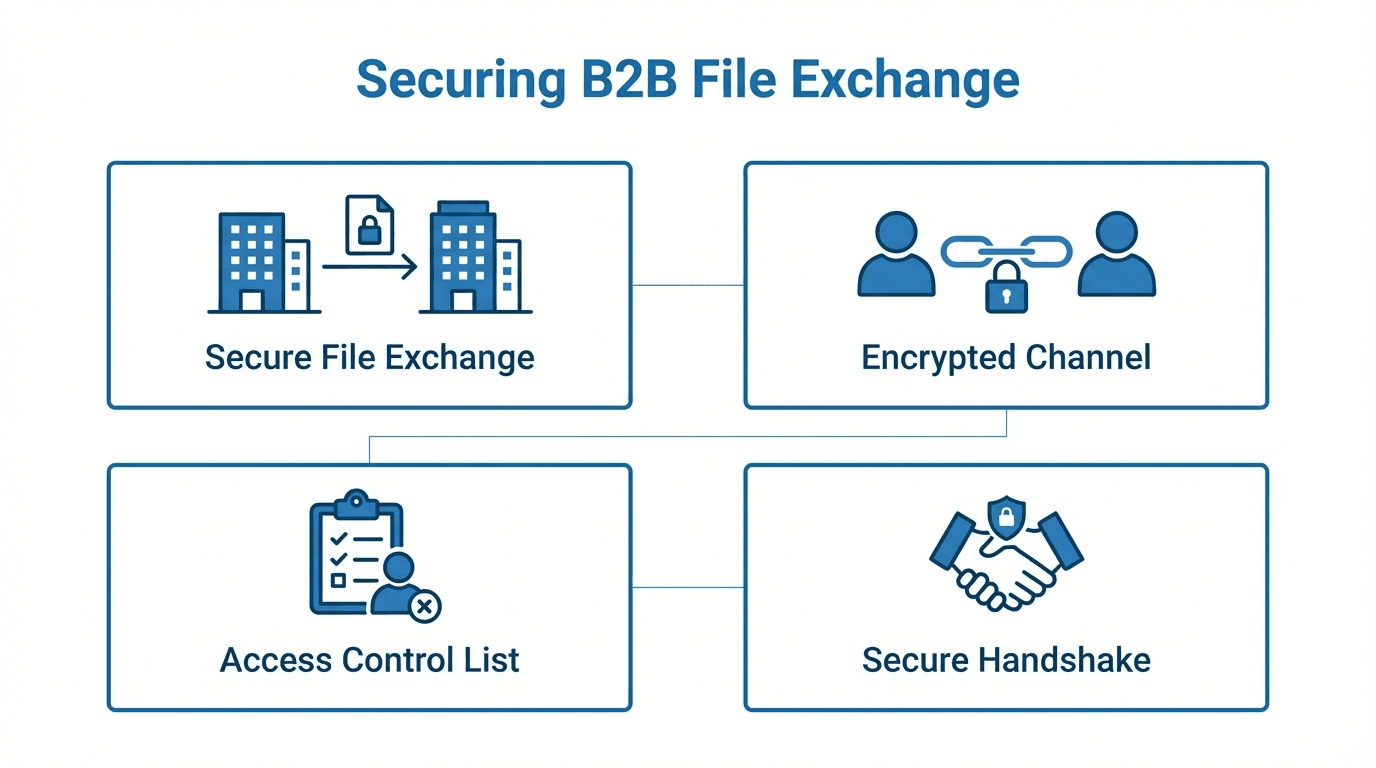
Know your environment - Cloud SFTP deployments typically consist of virtual servers or managed SFTP services hosted on providers like AWS, Azure, or Google Cloud. Understanding how data flows between client, SFTP server, and storage helps identify where to apply encryption, firewalls, and access controls.
- Direct-to-cloud storage - Files are written directly to cloud object storage (for example, S3 or Azure Blob) from the SFTP service.
- Hybrid models - Files land on an SFTP server and are later synced to cloud storage.
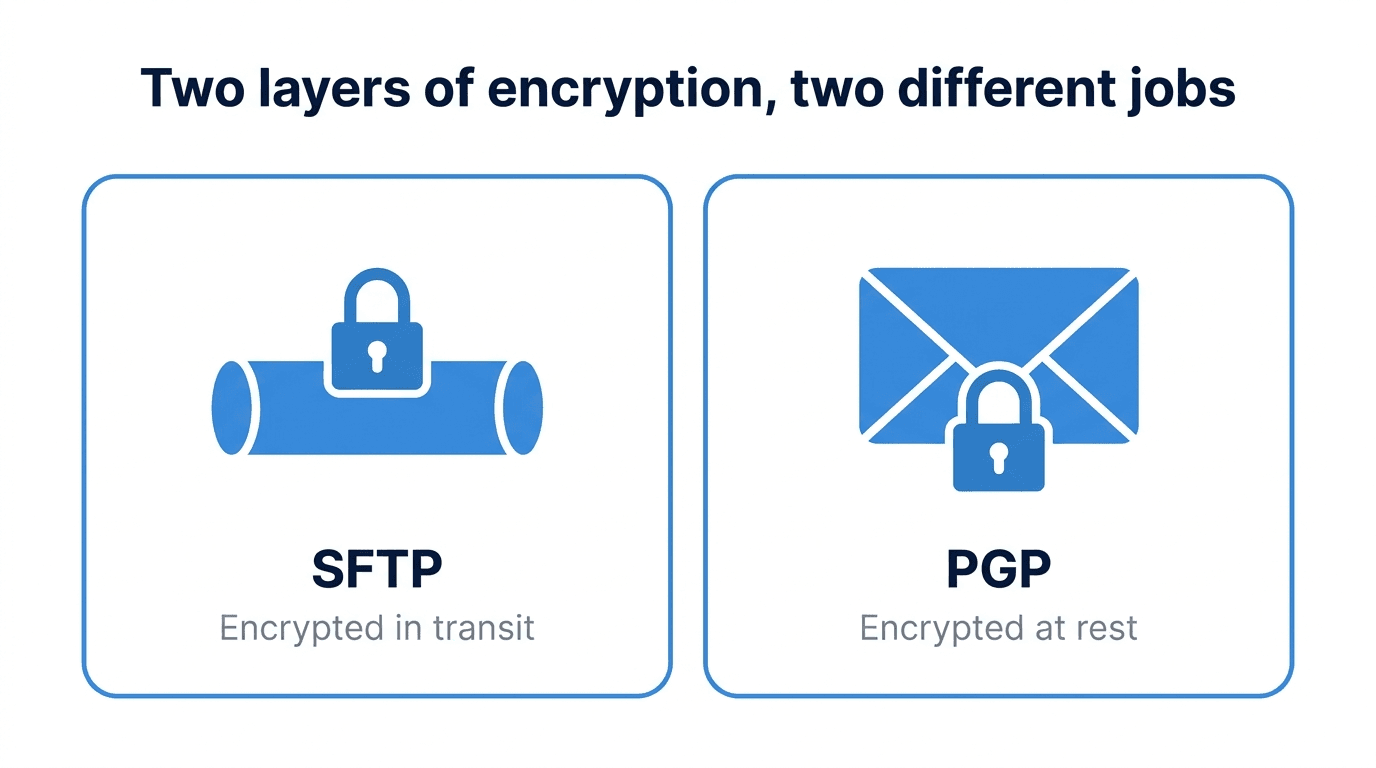
Data in transit - Always use strong cryptographic algorithms. Disable outdated protocols like SSH v1, and enforce modern cipher suites (for example, AES-256 or ChaCha20-Poly1305).
Data at rest - Use encryption on stored files, either at the file level (PGP/GPG) or via encrypted cloud storage volumes and buckets. Ensure encryption keys are rotated regularly and stored in a secure key management system.
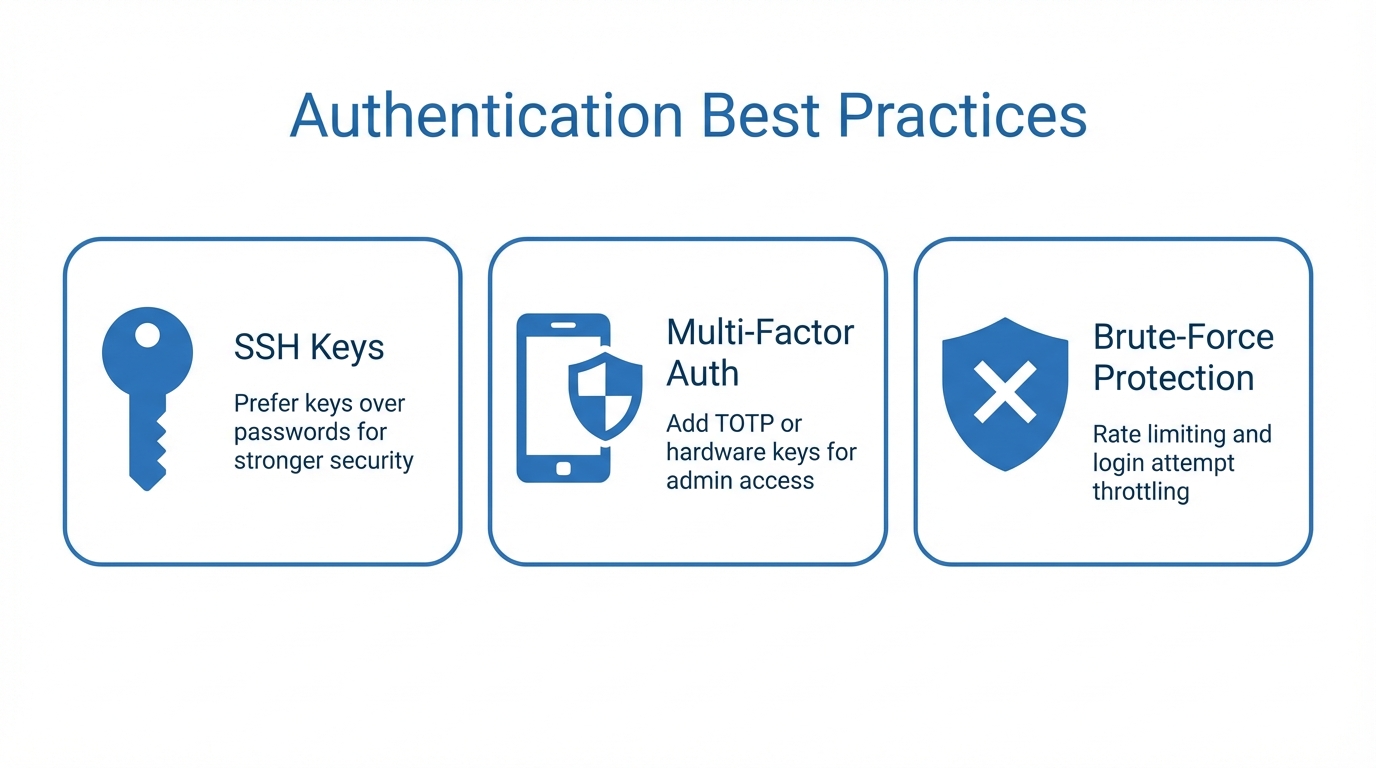
Authentication best practices
Prefer keys over passwords - Implement public key authentication and disable password-based logins entirely where possible. If passwords must be used, enforce complexity, length, and expiration policies.
Add multi-factor authentication - For administrative access, require multi-factor authentication using TOTP apps or hardware security keys.
Limit brute-force risk - Enable login attempt throttling and IP-based connection rate limiting to prevent automated attacks.
Access control and user management
Principle of least privilege - Give each user the minimum permissions they need. Avoid granting full server access unless absolutely necessary.
- Use directory isolation to confine users to specific directories.
- Assign unique credentials to each user. Never share accounts.
- Integrate with an identity provider (LDAP, SAML, OIDC) for centralized control.
Logging, monitoring, and intrusion detection
Log everything - Maintain detailed logs of all connections, transfers, and authentication attempts. Store logs in a centralized, tamper-resistant location.
Automated alerts - Configure monitoring tools to alert on suspicious behavior such as unusual transfer volumes or repeated failed login attempts.
Intrusion detection - Deploy network or host-based intrusion detection systems to identify anomalies in SFTP traffic patterns.
Backup and disaster recovery
Backups are not optional - Maintain regular, encrypted backups of critical SFTP configurations and files. Store them in geographically separate locations.
Test your restore process - A backup is only useful if you can restore it quickly and reliably. Schedule periodic recovery drills to verify your process works.
Compliance considerations
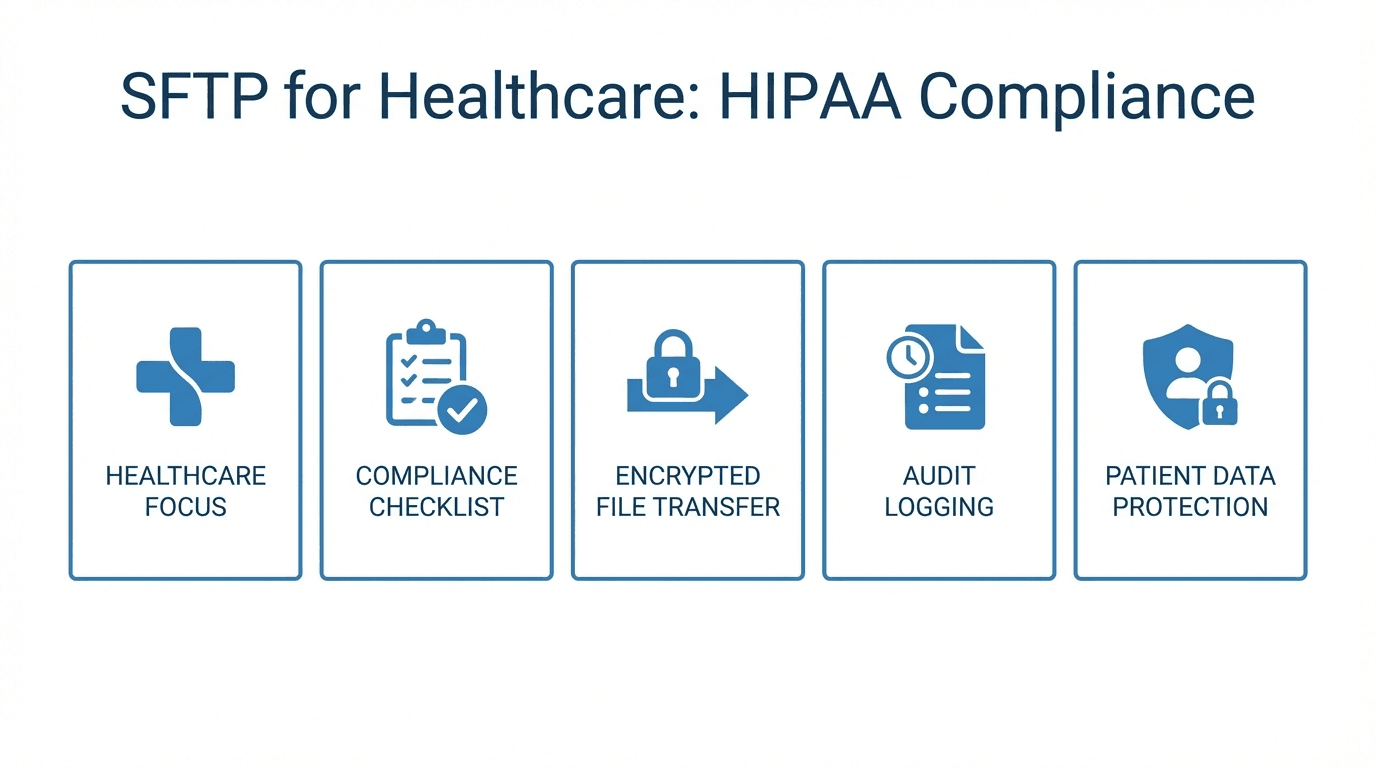
Map your controls to regulations - If you handle healthcare, payment, or personal data, ensure your SFTP configuration aligns with HIPAA, PCI DSS, GDPR, or other relevant frameworks.
- Enable encryption and access controls mandated by regulations.
- Maintain auditable logs and retention policies.
- Document configurations for auditors.
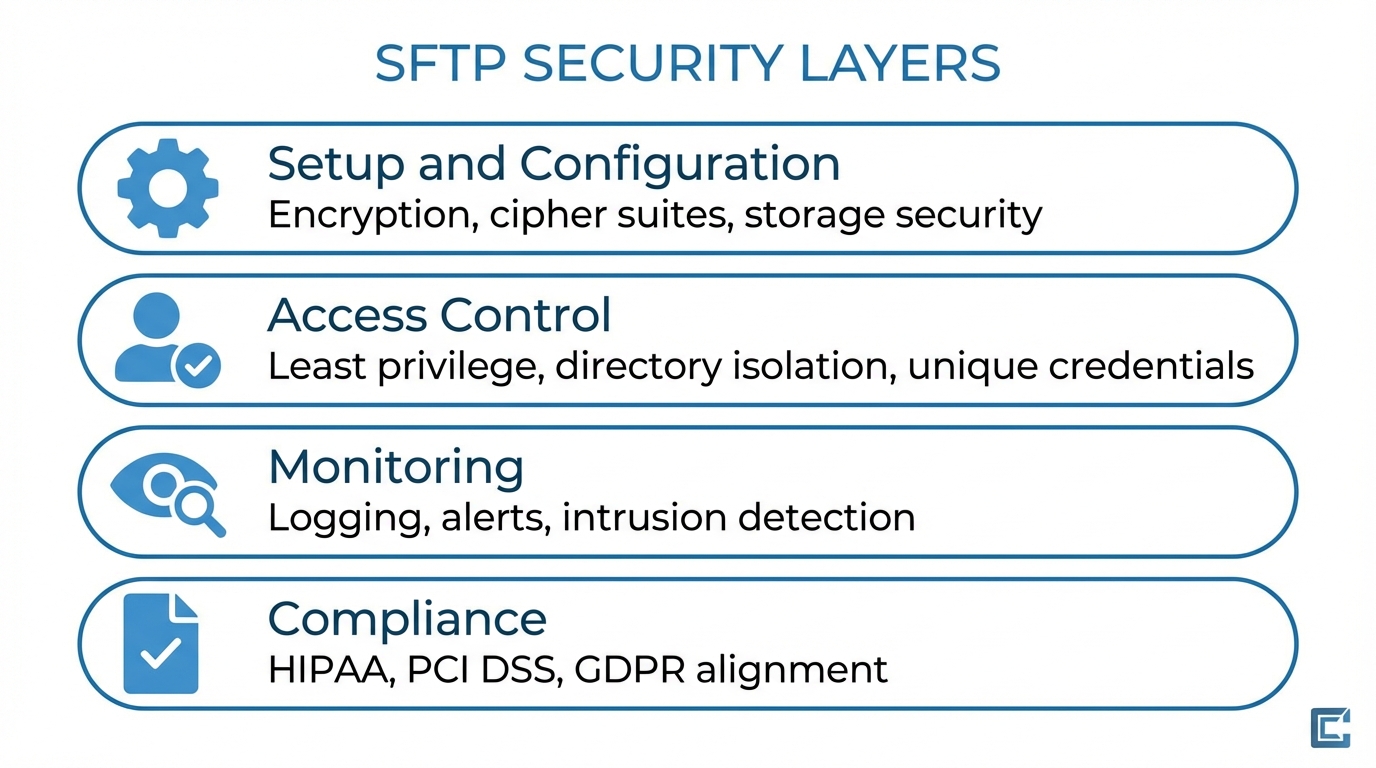
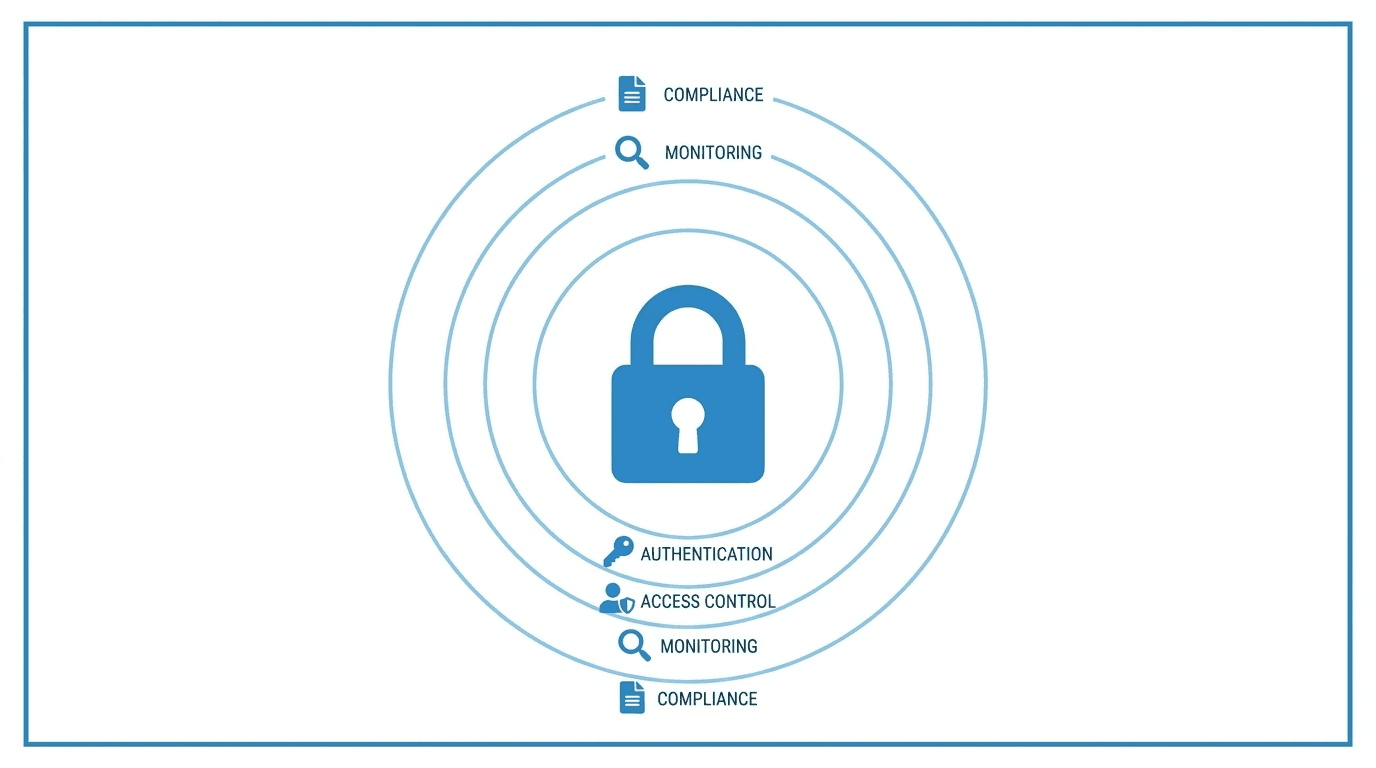
SFTP in the cloud can be just as secure as traditional on-premises setups, provided you follow best practices. By enforcing encryption, strengthening authentication, controlling access, and continuously monitoring activity, you can significantly reduce your exposure to threats while maintaining compliance.
Next step: Review your current SFTP setup against these best practices and address any gaps within your next security review cycle. Get started with FilePulse for a managed solution that handles many of these best practices out of the box.