Moving from an on-premise SFTP server to a cloud-based solution can reduce infrastructure costs, improve scalability, and strengthen your security posture. However, a successful migration requires careful planning. This guide walks through the benefits, key considerations, and best practices for making the switch.
Benefits of migrating to the cloud
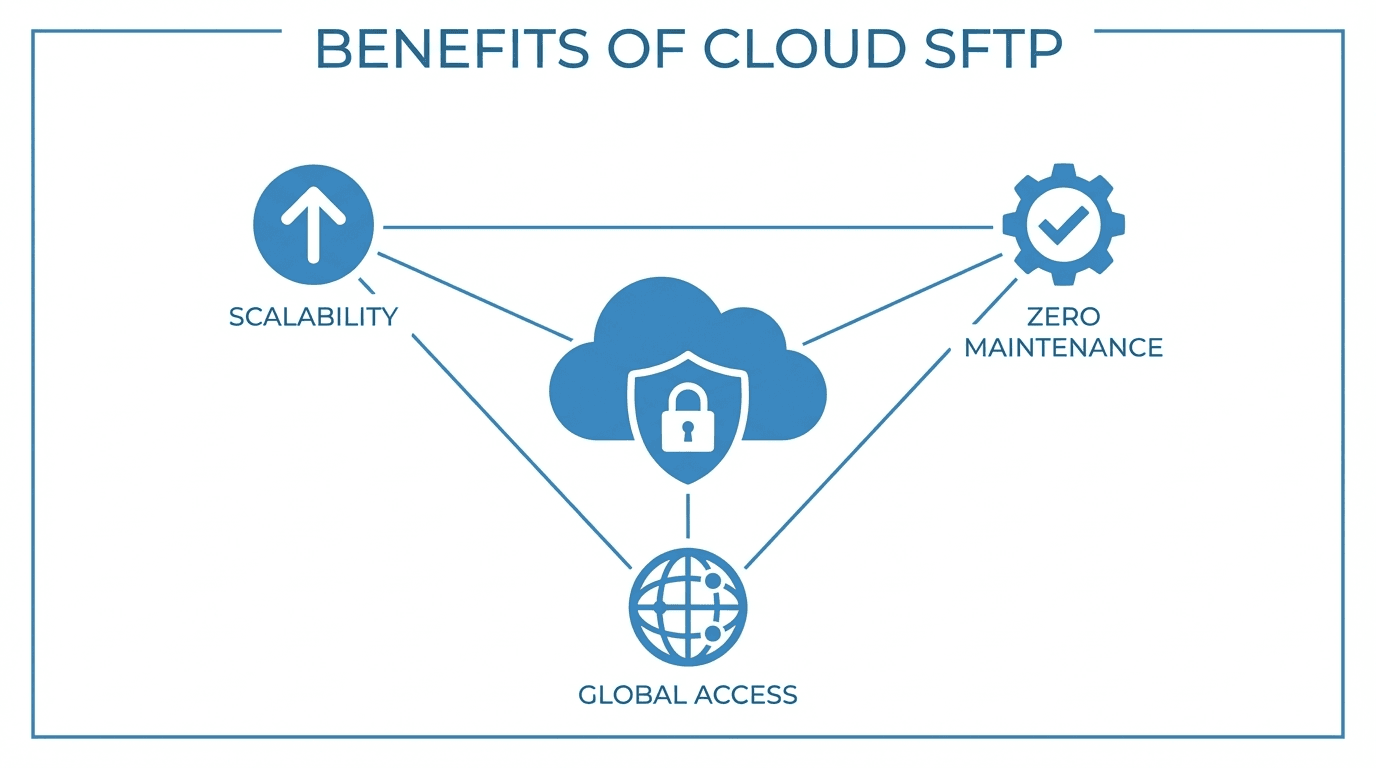
Lower infrastructure costs
On-premise SFTP servers require physical hardware, networking equipment, and dedicated server room space. A cloud SFTP solution eliminates these capital expenditures and replaces them with a predictable subscription model. You also avoid the cost of hardware refreshes every few years.
Scalability on demand
Cloud SFTP servers scale with your needs. Whether you are handling ten transfers a day or ten thousand, the platform adjusts without requiring you to provision additional hardware or reconfigure load balancers.
Stronger security defaults
Reputable cloud SFTP providers include encryption at rest and in transit, automated patching, DDoS protection, and compliance certifications as part of the service. Maintaining equivalent security on-premise requires dedicated staff and ongoing investment.
Reduced operational burden
Patching, monitoring, backup management, and disaster recovery planning shift from your team to the cloud provider. This frees up your operations staff to focus on higher-value work.
Assessing your current file transfer needs
Before you migrate, take stock of your existing setup.
Transfer volume and patterns - How many files do you transfer per day, week, or month? What are the peak usage times? Understanding your volume helps you choose a plan that fits without overpaying.
Users and access controls - How many internal and external users connect to your SFTP server? Document the permission structures, folder hierarchies, and access policies you currently enforce.
Protocols in use - Are you using only SFTP, or do you also support FTPS, SCP, or other protocols? Confirm that the cloud provider supports every protocol your workflows depend on.
Security and compliance requirements - Identify any regulatory frameworks you must comply with, such as GDPR, HIPAA, SOC 2, or PCI DSS. Verify that your target cloud provider meets these requirements.
Integrations and automation - Map out any scripts, cron jobs, or third-party tools that interact with your current server. These will need to be updated to point at your new cloud endpoint.
Self-hosted vs managed cloud solutions
When moving to the cloud, you have two broad options.
Self-hosted in the cloud
You run your own SFTP server software on a cloud virtual machine (for example, on AWS EC2 or Azure VMs). You retain full control over the configuration but also retain responsibility for maintenance, patching, and scaling.
This option makes sense when you have strict customization requirements that off-the-shelf solutions cannot meet, or when your team already has deep expertise managing SFTP infrastructure.
Managed cloud SFTP
A managed provider handles the server infrastructure, security updates, scaling, and monitoring on your behalf. You configure users, folders, and transfer rules through a web interface or API.
This option is ideal when you want to minimize operational overhead and rely on the provider's expertise for uptime and security. It also tends to be more cost-effective at small to mid-range transfer volumes.
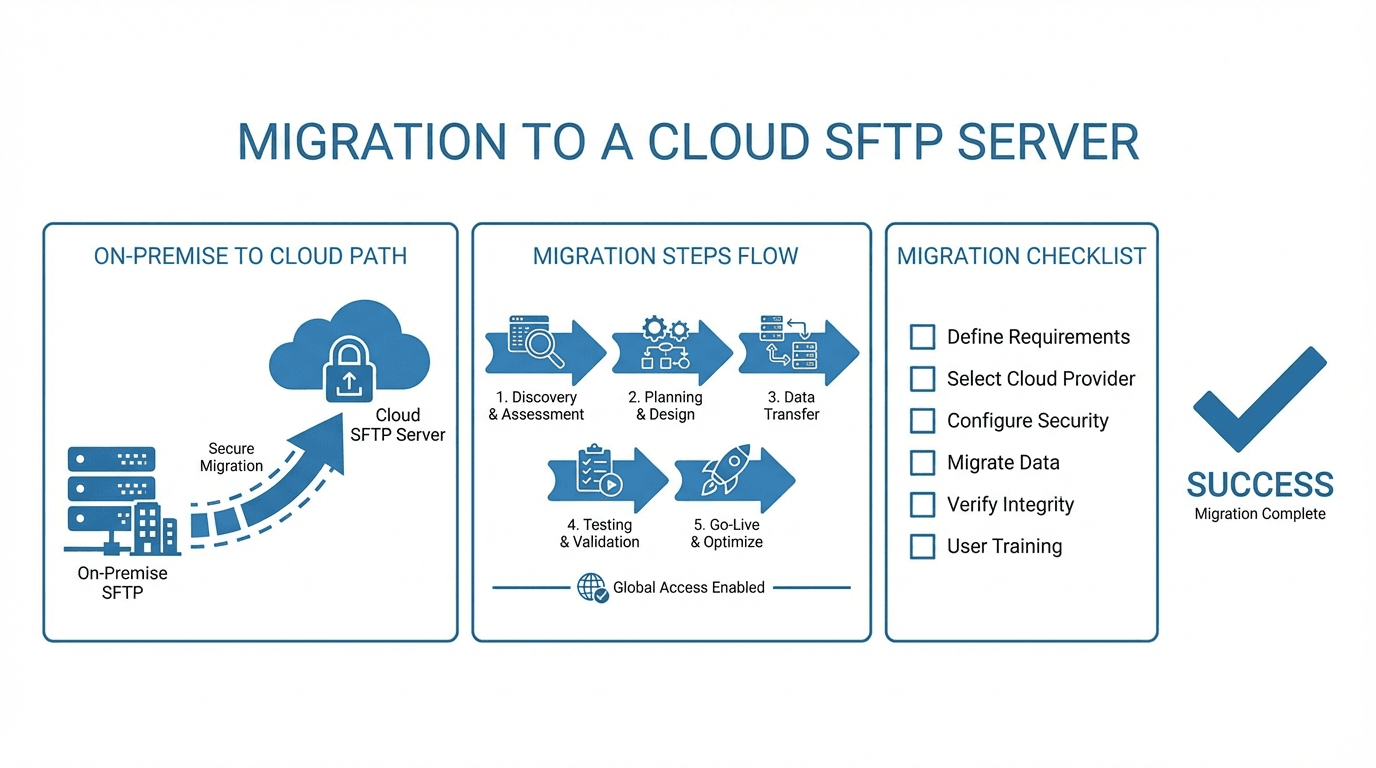
Best practices for a smooth migration
1. Run old and new systems in parallel
Do not cut over all at once. Run your on-premise server alongside the new cloud solution for a transition period. This lets you validate that all workflows function correctly before decommissioning the old system.
2. Migrate users and credentials in phases
Start with a small group of internal users. Confirm that authentication, permissions, and folder access work as expected. Then expand to external partners in batches, providing clear instructions and updated connection details.
3. Update DNS and connection endpoints
If your users connect via a hostname, update your DNS records to point to the new cloud server. Using a hostname rather than an IP address from the start makes future migrations simpler.
4. Test automation and integrations
Run every automated script and integration against the new server in a staging environment before going live. Check for differences in directory structures, path formats, and authentication methods.
5. Communicate the timeline clearly
Give your users and partners advance notice of the migration, including any changes to hostnames, ports, or credentials. Provide a clear timeline with milestones and a point of contact for questions.
6. Verify logs and audit trails
After migrating, confirm that your logging and audit trail capabilities are working correctly on the new platform. These records are essential for compliance and troubleshooting.
Making the move
Migrating to a cloud SFTP server does not have to be disruptive. With careful planning, phased rollouts, and thorough testing, you can move your file transfer workflows to the cloud with minimal downtime.
Ready to migrate? Start a free trial of FilePulse or contact us to discuss your migration plan.